

 Reply With Quote
kdesu kcontrol
Then in sysadmin properties, there should be a section on configuring KDM. If not then you can edit the kdmrc file at /etc/kde3/kdm/kdmrc


Right, I'm referring to the login screen.
That's my question.
How to change/delete that blue thing?
kdesu kcontrol
Then in sysadmin properties, there should be a section on configuring KDM. If not then you can edit the kdmrc file at /etc/kde3/kdm/kdmrc
kdesu kcontrol tht's right, thanks
he he, something that look like a little bug.
I have removed the wallpaper image and set a black background, that's work, but now items in login box had changed from english to deutch language
KDE Control Center > System Administration > Login Manager, click Administrator Mode, enter your root password, and set the language in the "Locale: Language" dropdown menu to whatever you wish.
 Posting Permissions


Vintage Apple II Avant-Garde Creations Super Shape Draw And Animate 1981
$295.00
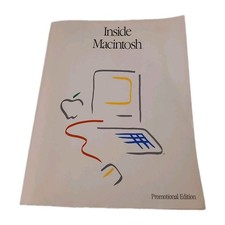
Inside Macintosh Promotional Edition Vintage Apple Developer Book 1985
$32.00
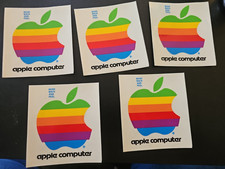
Lot of 5 4" Original Vintage Apple Computer Stickers 1980's style lower case
$44.99

Rare Vintage Macintosh Apple Wooden Disk Storage Box Dovetailed
$69.95

LARGE LOT Vintage Apple Macintosh Mouse Cables Accessories SCSI etc - UNTESTED
$80.00

Retro Vintage Apple M0110A Compact Wired Mechanical keyboard for Macintosh Plus
$64.95
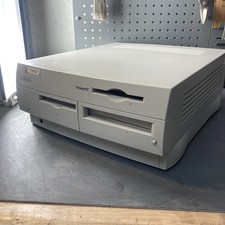
Vintage Apple Power Macintosh G3 PowerPC M3979 No Video No HDD For Parts As Is
$149.99

Vintage Apple Macintosh 128K 512K Carrying Case Rainbow Logo Excellent Cond
$140.00

Vintage Apple Monitor IIc 9" Green Monochrome 06/1985 A2M4090 October 1984 Stand
$275.00

Vintage Apple Multiple Scan 15av Display Monitor M4681
$299.99