

 Reply With Quote
it has to be something to do with the etc/profile setting
I'm no expert but I'd check that out


Hi. I did a search on my problem, and didn,t see any relevant info, do here goes.
I have installed Knoppix 3.9 to my HD (install option: Beginner multiuser with hw detection).
When I add a user in Kuser and log in as that user, everything comes up in German?! How do I set things so that when I add a user they get US-English? I want to set up accounts for my kids so that they can each have their own settings etc...
it has to be something to do with the etc/profile setting
I'm no expert but I'd check that out
Default user settings are kept in /etc/skel. When a user is created the users's /home directory & settings are copied from /etc/skel. And obviously since Klaus Knopper is German, the defaults are German.
In theory, if you delete or rename the /etc/skel/.kde directory, then create a new user & login as that user, the KDE personalizer should be run at first start.
I hope this helps.
James
 Posting Permissions


RAM-HOL-SAM52CPU RAM USB-C Powered Dock Samsung Tab Active4 Pro & Tab Active Pro
$81.99
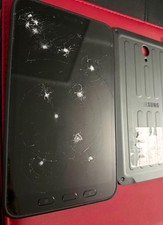
Samsung Galaxy Tab A SM-T280 Digitizer Battery Back Cover EB-BX306GBY
$150.00

Samsung 2.5" 870 EVO SSD SATA III 250GB 500GB 1TB Internet Solid State Drive Lot
$90.00
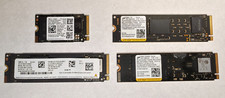
Lot of (4) 1TB NVME SSD M.2 2280 Samsung Micron Used
$399.00

RAM-HOL-SAM60CPU RAM USB-C Powered Dock for Samsung Tab Active5 - 3 - 2
$81.99
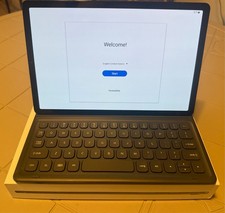
Samsung Galaxy Tab S5e 10.5 Screen 128GB Storage and a Samsung KEY BOARD
$150.00

RAM-GDS-SKIN-SAM54-NG-1 RAM Mounts IntelliSkin® Next Gen for Samsung Tab Active4
$93.99

Samsung SCXSTP000, SCX-STP000 (Swingline Staple Cartridge - 3 Refills)
$57.99

Samsung 24" S3 Essential IPS 100Hz Monitor | Sealed | Fast shipping
$50.00

NEW Samsung NoteBook NT930QCG touch LCD Full Screen Assembly Blue
$225.77