

 Reply With Quote
Change the default fonts from Helvetica to a good fonts like Arial or BitStream Vera Sans. Enable anti-aliasing. Restart KDE.


I've installed knoppix 4 dvd to my hd (debian install). I've searched through these forums, and apologize in advance if this is a FAQ (but I couldn't find it). How does one go about getting 'nicer' fonts to be used on the desktop (kde), with anti-aliasing (I have a 17" LCD, if that matters). The default fonts are ugly (imho), and enabling anti-aliasing for them doesn't seem to help.
Change the default fonts from Helvetica to a good fonts like Arial or BitStream Vera Sans. Enable anti-aliasing. Restart KDE.
 Posting Permissions

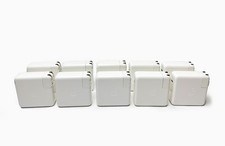
Lot of 10 Genuine OEM Apple 87W USB-C Power Adapter A1719 for Macbook Pro
$179.99

OEM Apple Data Migration Toolkit for A1706 A1707 MacBook Pro PN 076-00236
$549.99

Genuine Apple Power Adapter Extension Cable 6FT White OEM MacBook MK122LL/A
$10.99
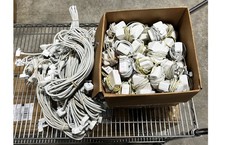
Lot of 100 OEM Apple Magsafe 2 45W AC Adapter A1436 with Power Cable - Grade D
$339.99

Genuine OEM Apple MagSafe 2 45W AC Adapter Charger for Macbook Air 2015 11" 13"
$14.24
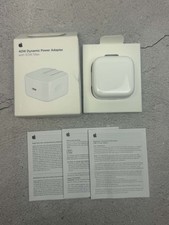
Apple 40W Dynamic Power Adapter 60W Max for iPhone/iPad/AirPods/MacBooks OEM
$17.99

OEM 45w T-Tip Power Adapter charger for Apple macbook air 2012-2017 A1436 A1466
$19.99
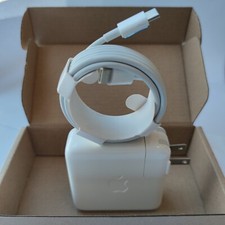
Genuine OEM 61W USB-C Power Adapter Charger For Apple MacBook PRO 13 inch A1718
$22.00

$6.99
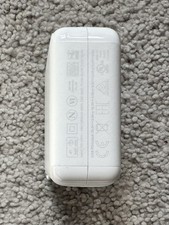
Genuine OEM Apple 70W USB-C Power Adapter
$34.99