
Are you saying that you are now writing to your NTFS drive? This is something I need to do but everything I have read so far says you can't do that safely.Originally Posted by amrobert


Are you saying that you are now writing to your NTFS drive? This is something I need to do but everything I have read so far says you can't do that safely.
 Posting Permissions

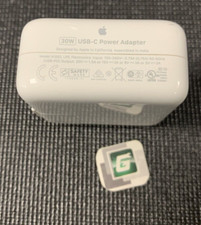
Apple Genuine OEM 30W USB-C Power Adapter A1882 Used *A Grade*
$13.29
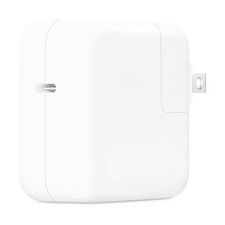
Open Box Apple OEM 30W USB-C Power Adapter MW2G3AM/A - A2164
$15.99

Genuine Apple Power Adapter Extension Cable 6FT White OEM MacBook MK122LL/A
$10.99
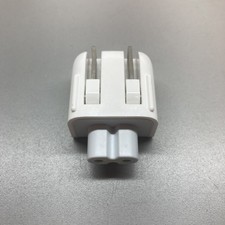
Genuine/OEM Apple Duckhead Two-Prong Plug - MagSafe AC Wall Adapter 45W/60W/85W
$8.99
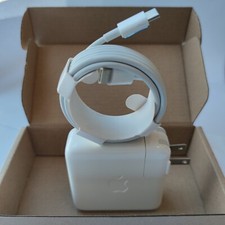
Genuine OEM 61W USB-C Power Adapter Charger For Apple MacBook PRO 13 inch A1718
$22.00

Genuine OEM Apple MagSafe 2 45W AC Adapter Charger for Macbook Air 2015 11" 13"
$14.24

Genuine OEM Apple Power Adapter Extension Cable for MacBook Pro Air
$8.99

Lot of 5 Apple OEM USB-C to USB-C Charge Sync Cable Cord 1M 2M White
$14.99

Genuine 67W USB C Charger for Apple MacBook Pro/Air 13/14 Inch A2518 +Cable OEM
$25.80
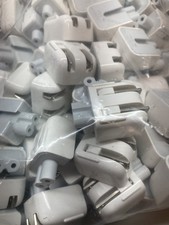
Genuine/OEM Apple Duckhead Two-Prong Plug - MagSafe AC Wall Adapter - Set of 25
$33.99

 Reply With Quote