-
How to make use of installed fonts
I need to read Chinese in Openoffice and found that the default font is very hard to read, and there is coding problem that most of the Chinese characters did not display properly, they just show up as a square box. I installed additional true type font I download from the net, but how do I make use of it so that it become the default Chinese font system wide ?
Similar Threads
-
By param85047 in forum Hdd Install / Debian / Apt
Replies: 3
Last Post: 11-03-2006, 03:31 PM
-
By Fabianx in forum Ideas
Replies: 1
Last Post: 07-14-2006, 11:30 PM
-
By lewisdw in forum General Support
Replies: 1
Last Post: 07-14-2005, 03:24 AM
-
By Lord1981 in forum Hdd Install / Debian / Apt
Replies: 6
Last Post: 01-04-2004, 10:19 PM
-
By Thraaser in forum Hdd Install / Debian / Apt
Replies: 1
Last Post: 10-21-2003, 04:29 AM
 Posting Permissions
- You may not post new threads
- You may not post replies
- You may not post attachments
- You may not edit your posts
-
Forum Rules


Netac DDR4 32GB 16GB DDR4 3200MHz UDIMM C16 Desktop Internal Memory RAM Kit
$99.99
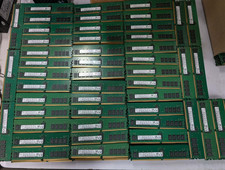
Lot 100 SK hynix 16GB 2Rx8 PC4-23400 DDR4-2933Y ECC Reg Server Memory RDIMM RAM
$9599.00

SK Hynix 32GB 2RX4 PC4-2666V DDR4 RDIMM Server Memory RAM, HMA84GR7AFR4N-VK
$169.95
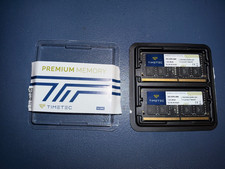
Timetec 64GB KIT(2x32GB) Compatible for Apple DDR4 2666MHz
$249.00

RAMAXEL Lenovo 32GB LPDDR5X CAMM2 7500MHz Laptop RAM | UNTESTED
$445.00

A-Tech 8GB DDR3 1600 PC3-12800 Laptop SODIMM 204-Pin Memory RAM PC3L DDR3L 1x 8G
$21.68

Samsung 8GB DDR4 SO-DIMM PC4-3200AA 260-Pin RAM M471A1G44BB0-CWE Module
$29.25
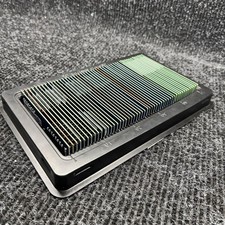
Lot Of 50 16GB DDR4 2666V RAM DIMM Desktop Memory Samsung Ramaxel Tested Working
$3199.99
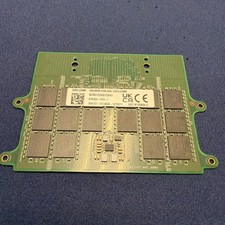
Dell 32GB DDR5 5600 CAMM KYHG6V Precision 7670 7680 7770 7780 16Gx8 Memory
$669.00

Corsair Vengeance DDR3 8GB 16GB 32GB 1866MHz PC3-14900 Desktop RAM Memory DIMM
$85.00



 Reply With Quote