

Ok, i tried to load Knoppix once again and this is the part where I get stuck,
Caldera DR-DOS 7.03
[DR-DOS] A:\>
Dearpeople, what do I have to type?
As long as I was reading, the user interface shall appear after loading the CD into the CD Rom.
Why it is not appearing in this case?
---
Verifying of md5 checksum and burning a CD at slow speed are important.
Remove the floppy disk from the floppy disk drive and change the BIOS settings to boot from CD-ROM.
Hi Ockham23, thanks for your answer, listen I have 2 drives, a CD and a DVD Recorder drive, I've set the settings to boot from the CD in this case E:
I have disabled the Floppy drive, so, doesnt appear in the system. But still is appearing the message and command line [DR-DOS] A:\>
How can I solve this problem?
You posted a message with an absolutely useless subject line of Help to a newbie. If everyone wanting help did this the forums would be useless.
You posted another thread on the same supject, considered spamming the website.
You again used a useless topic line.
You didn't even bother to post in the forum about booting.
I know exactly what is wrong, I've lost count of the number of people I'vce helped with this exact problem.
I have said in the past that I will not help people who post the way you do. I am sticking by that, and I rather hope others don't provide help either.
Your problem & its solution is in the Downloading FAQ. I know this because I put it there myself.
You must change the boot squence so that CD boots first even you already disabled the FDD, or your CD has problem can not read so that the BIOS will boot from the 2nd device ie. your FDD.
ED. Is your CD drive external USB ?
 Posting Permissions

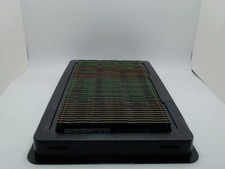
Samsung 64GB PC4-2666V Server Memory M386A8K40BM2-CTD
$339.99

Samsung Galaxy View Tablet 18.4 SM-T670/677A Digitizer 100% Original Oem
$152.99
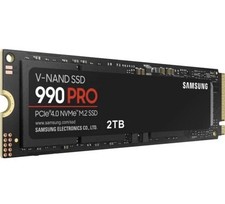
Samsung 990 PRO 2TB M.2 NVME PCIE 4.0 V-NAND Internal SSD
$210.00

Samsung Galaxy Tab Active 3/ 64 gig/WIFI
$85.00

Samsung DVI to DVI Cable 6 ft Digital Video Interface Audio Video NEW
$30.89

Kids Case for Samsung Galaxy Tab A9+/A9 plus 11 Inch 2023 Case, with Strap, Shoc
$27.99

Samsung JC95-01514A Cover-Side Roller T2 Compatible
$39.00

Samsung JC93-01078A Transfer Roller T2
$89.00
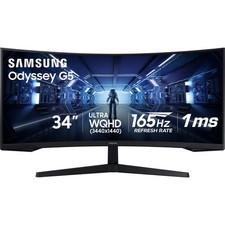
Samsung LC34G55TWDNXZA 34" Odyssey G55T WQHD 165Hz 1ms(MPRT) AMD FreeSync HDR
$217.00
USB C to Type C Cable Fast Charger For Samsung Galaxy S8 S9 S10 Plus Note 10 12
$5.00


 Reply With Quote