-
Senior Member
registered user

Originally Posted by
jjbergdolt
usb 1-1: new full speed USB device using uhci_hcd and address 2
ub: sizeof ub_scsi_cmd 64 ub_dev 2504
uba: device 2 capacity nsec 0 bsize 512
usbcore: registered new driver ub
As far as I can tell, Linux sees your USB storage device as /dev/uba. Try these commands as root:
Code:
cat /dev/uba | od -bc | head
fdisk -l /dev/uba
Please post the results.
My suspicions are that even though the kernel recognizes your USB device, the ub driver may not be working correctly with it.
Regards,
- Robert
http://www.cwelug.org/
Similar Threads
-
By Worm666 in forum Hdd Install / Debian / Apt
Replies: 0
Last Post: 11-12-2007, 10:08 AM
-
By jjbergdolt in forum Hardware & Booting
Replies: 0
Last Post: 07-23-2005, 05:08 PM
-
By srowe in forum Hardware & Booting
Replies: 17
Last Post: 11-13-2004, 02:05 AM
-
By tommy in forum Hdd Install / Debian / Apt
Replies: 2
Last Post: 10-22-2004, 07:37 AM
-
By Sucker in forum General Support
Replies: 1
Last Post: 02-03-2003, 09:11 PM
 Posting Permissions
- You may not post new threads
- You may not post replies
- You may not post attachments
- You may not edit your posts
-
Forum Rules

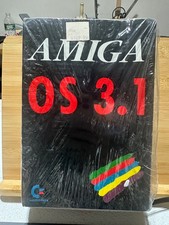
Amiga OS Operating System v3.1 Commodore New Sealed
$139.00

Microbotics Starboard 2MB + SCSI Sidecar for Amiga 1000 Vintage Computer READ
$329.00

RGB2HDMI Amiga 500 UltraLong (Accelerator Friendly) HDMI Games, non-RTG A500
$50.00
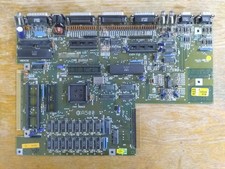
Commodore Amiga 500 Motherboard Rev 5, A500 #548 (As-Is)
$64.75

Amiga Emplant Emulator Card For Commodore Amiga 2000 4000 3000
$249.00

Amiga 1000 Computer w/ Monitor Keyboard Mouse Disc Drive Sidecar Expansion Discs
$950.00
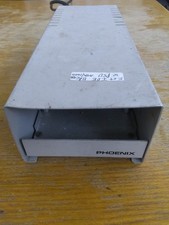
Phoenix SCSI/IDE Enclosure For Commodore Amiga & Others
$49.75
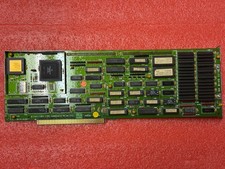
Amiga 2000 2630/CPU 68030 25Mhz
$300.00

Pi1541 Zero with Epyx Fastload Hat, Case & 16gb SD for Commodore 64 and 128
$79.99

68000 CPU Amiga 2000 Slot Adapter
$25.00



 Reply With Quote