

 Reply With Quote
Cmon, guys
I have really search this forum for best solution.
Just dont know, how to keep my FF and .kde settings after remastering.
Little tip will be great.
thx


I have finished my first Knoppix remaster and everythings works fine.
Except, settings for FF. (homepage, bookmarks, theme...)
I have follow UnderScore How to, so i dont know, what i'm doing wrong.
One more info. I have finished remaster with 240Mb ISo file. How small can Knoppix be with included KDE desktop, my language support and and Firefox?
thx
Cmon, guys
I have really search this forum for best solution.
Just dont know, how to keep my FF and .kde settings after remastering.
Little tip will be great.
thx
Modifying
/mnt/source/KNOPPIX/etc/skel/.mozilla/knoppix/*/bookmarks.html
or the firefox equivalent should help.
Regards,
Mark Preston
Easy. Just do the following:
chown -R root:root /etc/skel
chown -R knoppix:knoppix /etc/skel/.mozilla
You need the to follow the above order to get it to work. You can do the same for any folder you want the system to copy to the /home/knoppix folder with your settings.
 Posting Permissions

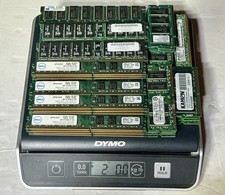
2.0 LBS Vintage Scrap Memory RAM FOR Gold Recovery PC & SERVER RAM UNSHIELDED
$110.00
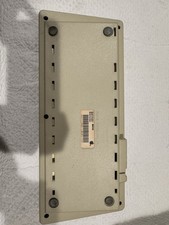
Vintage Apple Keyboard (MO110)
$61.30

Ast Advantage Adventure 4050D Vintage Retro Computer Great Condition
$199.99

Vintage Computer Keyboard Northgate OMNIKEY Ultra
$120.00
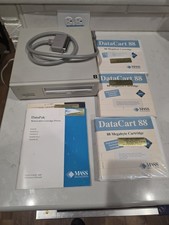
Vintage Mass Microsystems DataPak 88MB Removable External SCSI Hard Drive...
$149.99
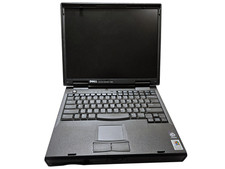
Vintage Dell Inspiron 7500 15" Pentium II 400MHz 128MB 4.8GB Windows 2000 Pro
$59.00
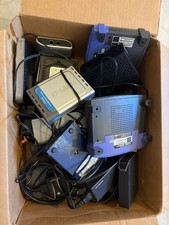
15pc Vintage Networking Electronics Lot Netgear Linksys D-Link Roku Untested
$85.00
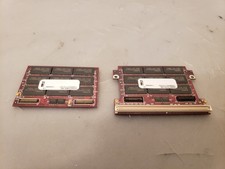
Rare Vintage Southland Hyundai 256MB Proprietary RAM Memory Expansion Module
$75.00
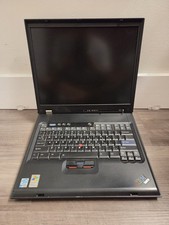
Vintage Rare IBM ThinkPad G40 Laptop Untested Parts Only
$59.95

Vintage HP 21MX 1000 M-Series Minicomputer Chassis Backplane Parts AS-IS
$228.19