

 Reply With Quote
use the old one.


whereas my old one did
what is the best solution?
use the old one.
The old one is toast
More info is in order. Give brand, model, etc. Some things to check in the meantime:Originally Posted by thewalkingman
1. Make sure that it's recognized in the BIOS. Use setting auto, not none.
2. Make sure that DMA is enabled in the BIOS, if that setting is present.
3. Ensure that the master/slave settings are correct. If the CD-R is the only device on the secondary IDE buss, this isn't an issue.
4. Check your cable. If it's the cable select style, make sure that it's correctly connected. You can tell this type of cable by the hole in it, which disconnects one wire.
Fixed
It is good to talk these things out
 Posting Permissions

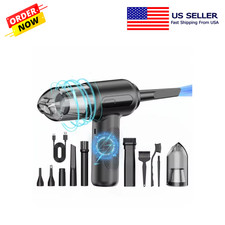
2 in 1 Cordless Air Duster Vacuum Cleaner Rechargeable Electric Dust Blower
$69.99

LEVOIT Cordless Vacuum Cleaner, Stick Vac with Tangle-Resistant Design, Up to...
$167.63
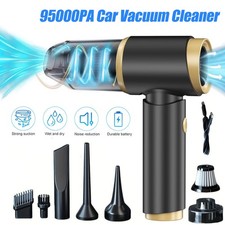
95000PA Wireless Car Vacuum Cleaner Air Blower Wireless Handheld Rechargeable US
$21.98

2-in-1 Compressed Air Duster & Vacuum, Brushless Motor, 320000RPM
$37.99

Mini Computer Vacuum USB Keyboard Cleaner PC Laptop Brush Dust Cleaning Kit NEW
$13.89

Compressed Air Duster Rechargeable Computer Vacuum Cleaner for PC Keyboard Toys
$16.99

Cordless Vacuum Cleaner for 20V Battery, 7-in-1 Lightweight Stick Vacu...
$149.15
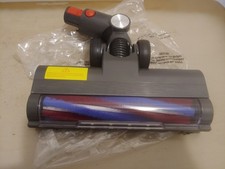
Powerffy Cordless Vacuum Cleaner N10 400W/30Kpa Power Nozzle Head Assembly.
$39.99
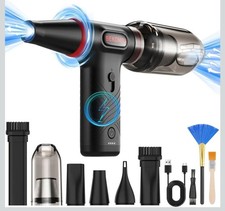
Compressed Air Duster 1 Button Adjustment 12000 RPM Air Blower Car Home Keyboard
$38.99

V3 Robot Vacuum and Mop Combo,Self-Charging,5000pa Strong Suction,WiFi/Alexa NIB
$82.00