-
Ok, I got it working. If anyone else out there has this trouble with SATA drives this is what I did: (I'm not saying it's the right way or the best way as I am new to Linux, I just know it works  ) #1: I did not know how to gain root access by login to edit this so what I did was use the program "krusader" -root access mode and it worked great: I open /etc/fstab within krusader as root and added the lines "/Dev/sda1 /mnt/sda1 NTFS noauto,users,exec,umask=000,uid=***,gid=*** 0 0" NOTE:where *** is supposed to be your login/user name not "***" for example, if your login/user name is elvis it would then be "uid=elvis" and "gid=elvis" #2: I added 2 folders in the /mnt/ directory named sda1 and sda2 so it would be /mnt/sda1 and /mnt/sda2 otherwise it says it won't mount as these do not exist. #3 I right-click the desktop and create a new link to hard drive and point it to /dev/sda1 and /dev/sda2 you may need to restart, I restarted quite a bit figuring this out but it worked for me and I hope it helps someone else too Now I just need to get my 802.1x wireless pci card working! if anyone has info on this please let me know, it's a Trendnet TEW-423PI. Also, what is "hotplug"? I would have thought it was supposed to autodetect this stuff. *shrug*
Similar Threads
-
By Azalea in forum Hdd Install / Debian / Apt
Replies: 1
Last Post: 06-26-2008, 12:12 AM
-
By whohelhee in forum Hardware & Booting
Replies: 0
Last Post: 10-19-2006, 03:12 PM
-
By nightfrost in forum General Support
Replies: 3
Last Post: 08-14-2004, 08:07 PM
-
By redss in forum General Support
Replies: 4
Last Post: 06-02-2004, 05:32 AM
-
By warpedmind in forum General Support
Replies: 12
Last Post: 11-19-2003, 12:10 AM
 Posting Permissions
- You may not post new threads
- You may not post replies
- You may not post attachments
- You may not edit your posts
-
Forum Rules


Vintage Cherry W. Germany G80-0486H/05 Mechanical 25-Pin D-Sub Keyboard M8
$170.99

Vintage Computer - PC Innovation Intel 486DX2 - Dos Ver 6.2 Windows 3.1
$250.00

Vintage Jetway J-620BF Socket 370 Celeron AT Motherboard SiS 620 Brand New
$75.00

Vintage HP Hewlett Packard 2112A 21MX 1000 M-Series 16-Bit Minicomputer
$419.99
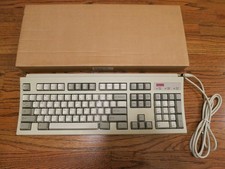
Digital Equipment DEC RT101 PS/2 Vintage Keyboard Tested
$24.95

Vintage Timbuk2 Crossbody Messenger Bag Forest Green/ Black Y2k USA Made
$85.00
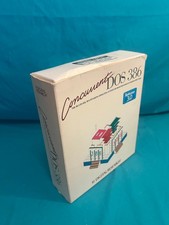
Vintage Digital Research Concurrent DOS 386 multi-user operating System software
$100.00
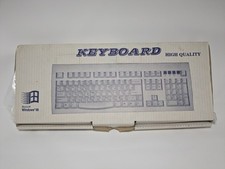
Microsoft Windows 98 Keyboard Unused Condition New With Original Box Vintage
$59.99
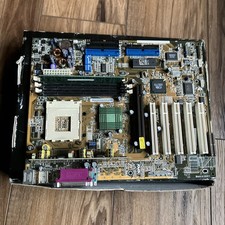
ASUS A7V333 Vintage Motherboard | Untested | For Parts
$44.89
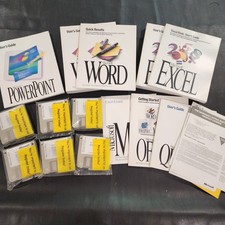
Vintage Microsoft Office 4.2 for Windows Original Floppy Disks & Manuals 1994
$119.99



 Reply With Quote