

 Reply With Quote
this seems odd, i have used several USB externals and all havew worked, any error messages during boot?


Hi all
I am trying to connect a 120GB Western Digital external USB hard drive to my Dell Inspiron 8500 laptop which is running Knoppix 3.7 from CD.
I want to read from and write to this HD which has a FAT32 file system.
After Knoppix finished booting from cd, there were two HD icons corresponding to the two partitions of my internal HD on my desktop. However, there was no icon for my external HD which I had connected before I switched on the laptop.
How do I proceed?
Thanks in advance for any assistance.
Cheers,
birk
this seems odd, i have used several USB externals and all havew worked, any error messages during boot?
I have not seen any error messages during boot.
I have got the following lines after I pluged in the external hard disk and used the dmesg command.
hub.c: new USB device 00:1d.0-1, assigned address 2
scsi2: SCSI emulation for USB Storage devices
usb-uhci.c: interrupt, status 2, frame# 1356
usb-uhci.c: interrupt, status 2, frame# 1228
Any suggestions?
Thanks,
Birk
 Posting Permissions

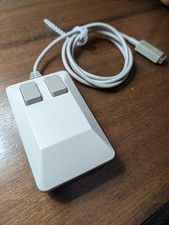
Vintage TANK Mouse commodore AMIGA Original Tested working see video.
$99.99
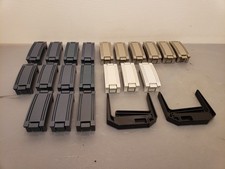
Vintage DEC Digital Equipment Corp HP Compaq Drive Pullers, Bay Slot Covers
$100.00
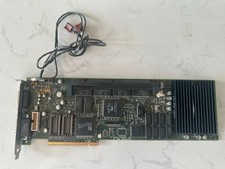
Rare Vintage Apple 820-0729-B PC Compatibility Card PCI PowerMac
$299.00
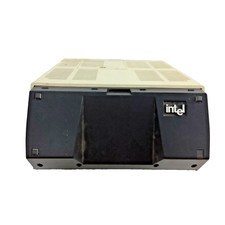
Vintage Intel iPDS-100 Personal Development System
$1499.99
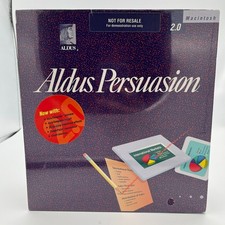
Aldus Persuasion 2.0 Macintosh SEALED Big Box NFR Demo Vintage Mac Software
$119.00
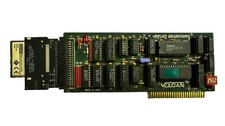
Applied Engineering Vulcan Hard Drive Vintage Apple IIgs
$200.00

Original Vintage Old Style STANDARD Black CD Jewel Case (Heavy Duty) 90g Lot
$316.95
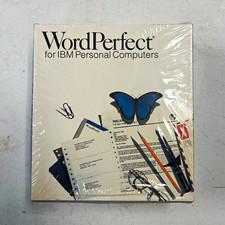
Vintage WordPerfect for IBM Personal Computers Big Box Software - Mint Sealed
$170.00
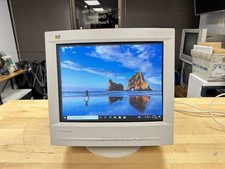
⭐ Vintage 1998 Retro CRT Gaming Monitor 16" ViewSonic GT775 VCDTS21347🔥
$329.99
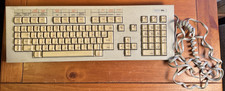
Vintage Super Rare Exxon Office Supplies Keyboard Mechanical Untested* 1980-85
$499.99