

i have recently installed knoppix version 4.0.x and i did a normal HDD install the expert installation, then after installing i ran
<code>apt-get update
apt-get upgrade
apt-get dist-upgrade</code>
and now its sort of a half debian/half knoppix and all messed up, is there a way to set it back to the old knoppix way, like some sort of repair function, to restore all the CD defaults without having to reinstall the whole thing?
edit: Ok apparently i searched the forums a little and it seems like some people had pretty big problems with apt-get upgrade nevermine apt-get dist-upgrade so i think im in a little troubble, so is their any repair function of any kind?
 Posting Permissions


(New) AMD Ryzen 7 5700X 8 Core 16 Thread AM4 Unlocked 3.4 GHz CPU OEM Tray
$174.99

SGIN 17.3" Laptop Intel Quad-Core Up to 2.4 GHZ 8GB RAM 256GB SSD HD
$229.99
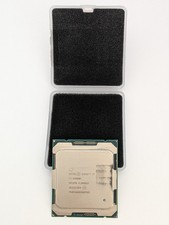
Intel Core i7-6900K SR2PB 8-Core 3.20GHz CPU LGA 2011 (Socket R)
$60.00

AMD Ryzen 7 PRO 8700GE 8-Core/16-Thread Up to 5.1GHz AM5 (FL1)
$189.00

Apple Macbook Pro 13" M1 8-Core 16GB 512GB - Good
$464.99

Intel Xeon E5 - 2667V2 / SR19W 3.30GHz 25MB 8-Core CPU Socket LGA2011
$30.00

AMD Ryzen 7 7800X3D 4.20GHz Quad Core 100-000000510 8 Thread AM4
$279.99
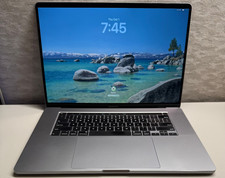
2019 MacBook Pro 16” A2141 8-Core Intel i9 2.4GHz 32GB 1TB Radeon 5500M 8 GB
$360.00

Lenovo ThinkStation P520 Intel Xeon W-2245 8-Core 3.90GHz - NO RAM/ GPU/ HDD/ OS
$359.98

Dell T7810 Workstation 8-Core 2.40GHz E5-2630 v3 No RAM GPU HDD OS
$259.98


 Reply With Quote