

Hello. I am working on a boot loader based on grub called Super Grub Disk for using merged into Knoppix.
Super Grub Disk helps you Restoring Grub on MBR automatically, activate partitions and more things but... I do not want to talk about the disk, I want to make a new Knoppix live cd with my system and I need to simulate the isolinux knoppix options such as:
lang=es
xfree=nv
screen=800x600
or so.
So I want to ask you which are the most used options. I suppose that they will be the F1 screen options but if you could tell me what are the most used options and why do you use them... that's... what's the purpose of using them. What didn't work before enabling the option and what it does work after enabling the option.
Thank you.
adrian15
The resultant new version of SGD will let you choose like a Grub Menu (Up Down Arrows and Enter) the many options for booting Knoppix and it will explain what means each of them. This is my idea.
 Posting Permissions

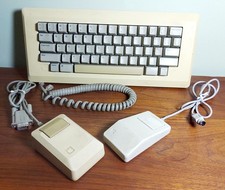
Vintage APPLE Computer Keyboard M0110 and Mouse LOT M0100 & Desktop Bus
$129.00
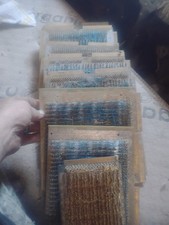
Title:Rare Vintage Magnetic Core Memory Board Plane – Retro Computing Collectibl
$2000.00
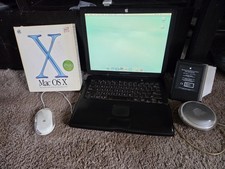
VINTAGE Apple PowerBook G3 Lombard M5343 400MHz 192MB Working Mac OS X Bundle
$299.00

Apple Mac OS9 Cloth Banner Think Different 64 x 24 inches NEW ORIGINAL Vintage
$99.99
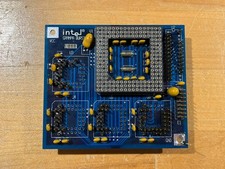
Intel GRAMPA BURST 168-pin 486 CPU Interposer/Testing Adapter Board Vintage
$289.99

Lot of 8 1980s Vintage INTERSIL microprocessors Computer Store Dealer Posters
$129.99
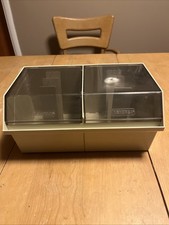
Vintage Double Memorex 5.25" Floppy Disk Storage Box Case Holder w/ Dividers
$20.00
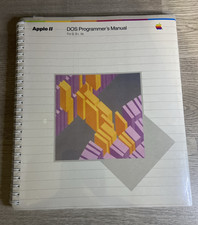
Apple II DOS Programmer's Manual 030-0536-A 1982 Factory Sealed Vintage
$64.99
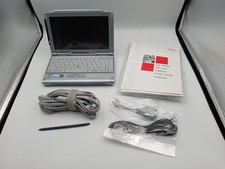
VINTAGE UMPC Fujitsu Lifebook P1120 8.9" Touchscreen Crusoe 800MHz - Windows XP
$349.95
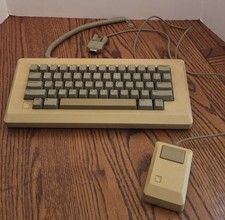
Vintage Apple Macintosh M0110 Keyboard with Coiled Cable & M0100 Mouse Bundle
$180.00


 Reply With Quote