-
Senior Member
registered user
Open a console and type
<code>
gtf 1280 1024 70
</code>
(replace the "70" with your desired frame rate)
That should give you a line like
Modeline "1280x1024_70.00" 108.88 1280 1360 ...1024 ...
Your values will, of course, vary. Copy that line into the Section "Monitor" of your
/etc/X11/{XF86Config-4|xorg.conf} (I don't know which one is used in Knoppix-4).
Then change the lines in that file in section "Screen" that read
Modes "1024x768" " ...
to include the "1280x1024_70.00" at the beginning. (Look for an entry that says
DefaultColorDepth <number> in the screen section and edit at least the corresponding
Modes in SubSection Display for that depth.
The next start of X should result in your desired resolution. If not, read carefully through
/var/log/{XFee*|xorg*}.log for error messages.
Similar Threads
-
By nnigam in forum General Support
Replies: 0
Last Post: 02-09-2007, 07:55 PM
-
By nnigam in forum Laptops
Replies: 0
Last Post: 02-09-2007, 07:47 PM
-
By nnigam in forum Laptops
Replies: 0
Last Post: 02-08-2007, 08:19 PM
-
By nnigam in forum Laptops
Replies: 0
Last Post: 02-08-2007, 08:18 PM
-
By johniontheweb in forum Hardware & Booting
Replies: 0
Last Post: 01-16-2006, 04:11 PM
 Posting Permissions
- You may not post new threads
- You may not post replies
- You may not post attachments
- You may not edit your posts
-
Forum Rules

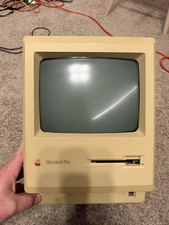
Apple Macintosh Plus 1MB M0001A Vintage Computer - Works
$169.99

Apple Macintosh Classic M1420 Vintage Desktop Computer Model Macintosh Classic
$100.00

Vintage 1998 iMac G3 M4984 Mac OS + Keyboard Working but Needs Some Repair Read
$295.00

Apple Power Macintosh PowerPC 7300/200 VTG w Keyboard Mouse Storage Drive Read
$199.99
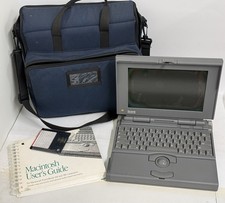
READ - UNTESTED Apple Macintosh PowerBook 160 M4550 Vintage Laptop
$299.00
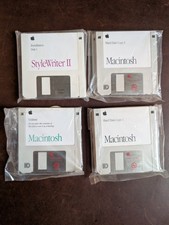
Vintage 1992 Mac System 7.1P1 Apple Software 3.5” Floppy Disks NOS
$35.00
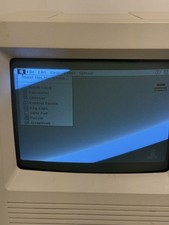
READ - Vintage Apple Macintosh SE/30 - Boots
$850.00
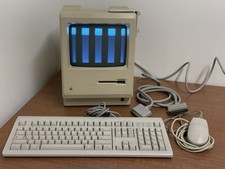
READ - Apple Macintosh Desktop Computer M0001 Vintage
$599.00

Vintage Edmark TouchWindow for Macintosh DeskTop Computer Touch Window Never Usd
$63.99

Mixed Lot Vintage Mac Windows media / Graphics / Sound Software - CDs 37 Pieces
$40.99



 Reply With Quote