

I loaded Knoppix (Debian) on my new Dell PC. Everything went ok...although it looked like my screen resolution was set a bit low. I went to the terminal and typed in the new screen resolution. Apon re-booting, I get a bunch of squiggly lines on my monitor. Now obviously I can not see to "get back in" to change the resolution back. When I re-boot, I hit "E" and get the GRUB> prompt. How can I get back to root to type in origional screen settings. I can still boot and run knoppix off of the dvd....but when I change the settings in the terminal window there... I guess it does not "remember" the setting so when I re-boot I am back to squigly lines.
Any help would be appreciated. I have a 19 inch digital flat screen monitor and sure would like to be able to use it at the higher resoltions....
Sorry for such a N00B question...but I'm kinda excited and really want to get Knoppix (Debian) back upand running as it is the first distro out of like 10....that actually did WORK (for a whileon my pooter.
 Posting Permissions


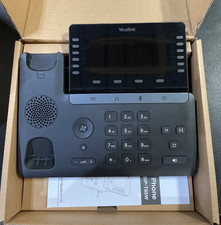
Yealink T48S VoIP/SIP Phone, 2 x Gigabit Ports PoE 7" Color SIP-T48S | TESTED
$34.95

Grandstream VoIP Phone Adapter ATA 1-Line Black Ethernet (RJ-45) Micro USB
$27.07
$153.99

Poly CCX 400 Desktop Business Media Phone VoIP 2200-49700-019
$49.99

Yealink SIP-T33G IP Phone 4-LineSpeakerphone VoIP Desk Phone Black w/ Power Sply
$25.00
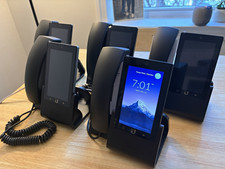
Ubiquiti UniFi Talk UVP-Touch VoIP IP Phone PoE Touchscreen Tested Reset
$64.99
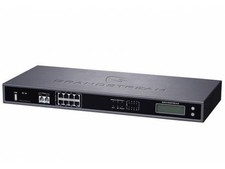
Complete Office VoIP System: Grandstream UCM6208 IP PBX + (14) GRP2614 Wi-Fi IP
$800.00

Grandstream WP810 Portable Cordless Wi-Fi IP Phone
$49.28

Yealink MP54 - VoIP Phone - Black Teams phone Android POE WIFI Bluetooth
$49.95
DELL PRO SMART DOCK SD25 (MPN:210-BRQC)
$290.00


 Reply With Quote