

 Reply With Quote
Try booting with knoppix noddc to stop auto detection for the monitor on boot, what cheat codes have you tried.


I'm new to this, and pretty keen.
Unfortunately I cannot get past the infamous 'black screen' after boot up
I have a GeForce2 card, and it appears from reading these forums that I have to change from a digital to an anologue plug. I tried pugging the monitor into the other socket on the back of my computer, but that gives a black screen for all operations \ os's.
What am I doing wrong?
Thanks, Cozzy
Try booting with knoppix noddc to stop auto detection for the monitor on boot, what cheat codes have you tried.
thanks for you reply, but no luck using noddc!
I have used the following cheatcodes to no avail!
xmodule=vesa
xmodule=fbdev
xvrefresh=60
screen=800x600
noddc

my video card is a GeForce2 MX/MX400
 Posting Permissions

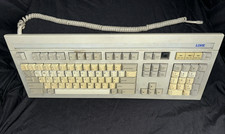
Vintage Link Terminal Mechanical Keyboard Alps Black Switches 840352-30
$139.95
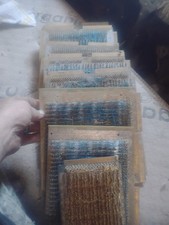
Title:Rare Vintage Magnetic Core Memory Board Plane – Retro Computing Collectibl
$2000.00

Vintage eMate 300 Computer System Rare Kids Laptop Newton Operating System
$349.99

Vintage Promise EIDEMAX Enhanced IDE Disk Controller ISA Non-RAID Card Boxed
$34.99
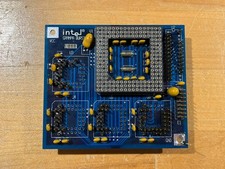
Intel GRAMPA BURST 168-pin 486 CPU Interposer/Testing Adapter Board Vintage
$289.99

Vintage Intel i860 A80860XP-40 SX582 RISC CPU Ceramic RARE SSpec Retro Computing
$178.46

JBL Pro / Compaq Computer Speakers Pair Vintage Beige Desktop Speaker 304257-001
$29.00
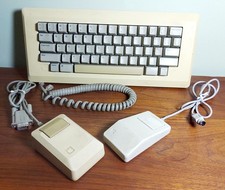
Vintage APPLE Computer Keyboard M0110 and Mouse LOT M0100 & Desktop Bus
$129.00
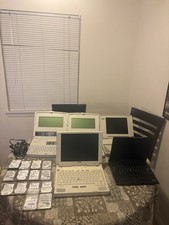
Vintage Laptop Lot With IDE Laptop Drives Lot Of 5 Laptops
$300.00

Vintage Sun 320-1005 Type 4 Keyboard & 370-1170 Type-4 Mouse & Optical Mouse Pad
$129.00