-
Changed mount to RW, device not RO, but still can't open
I've learned the obvious stuff ... I've mounted my hard drive, changed the mount to RW, unselected the the "read only" button on the Properties-->Device tab, changed all permission to "Read and Write" but i STILL get some folders that are locked and give the error message, "You do not have permissions to read this file."
What am I doing wrong?
Thanks in advance for the help.
-
Senior Member
registered user
There are a couple of things that have to be set so you can read and write any file...
1. The disk (or partition) must be mounted accordingly (ro for read, rw for write)
but you seem to have done that.
2. Every directory (or folder) you open on the path to the file must at least be
executeable, preferably readable as well.
3. The file itself must be readable (and writeable for write access).
I am just wildly guessing here, but presuming that your disk has an NTFS
filesystem you *don't want* to write to your disk - this could destroy the contents.
-
what I finally found that worked -- albeit without GUI, was to open a terminal window, type
sudo su -
and then copy everything from the command line ... i never did get it from the GUI, but at least I got it ...
thanks for the help
Similar Threads
-
By AJones in forum Laptops
Replies: 2
Last Post: 01-05-2007, 07:12 PM
-
By w0lfinator in forum Hdd Install / Debian / Apt
Replies: 6
Last Post: 07-23-2006, 12:59 AM
-
By papaz in forum Hardware & Booting
Replies: 3
Last Post: 01-31-2005, 04:39 AM
-
By Cuddles in forum General Support
Replies: 7
Last Post: 02-02-2004, 04:00 AM
-
By MrAhmad in forum Customising & Remastering
Replies: 3
Last Post: 08-26-2003, 07:41 PM
 Posting Permissions
- You may not post new threads
- You may not post replies
- You may not post attachments
- You may not edit your posts
-
Forum Rules

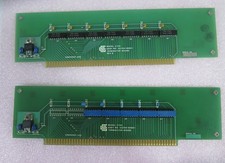
Vintage California Computer Systems Boards for S-100 Terminiator Cards
$145.00

Vintage 1988 Apple Macintosh Plus 1MB M0001A Computer Keyboard WORKING See Video
$225.00
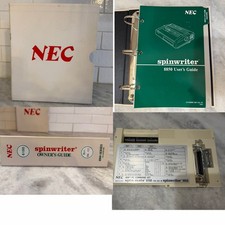
RARE VTG NEC IBM PC COMMAND SET SPIN MATE 6150 + SPINWRITER 8850 USER GUIDE
$199.95
Vintage 2002 AutoCAD Set - With Serial and Code
$44.55
Original Vintage Old Style STANDARD Black CD Jewel Case (Heavy Duty) 90g Lot
$316.95
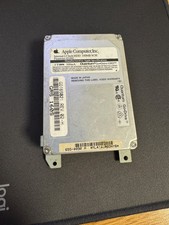
Vintage Apple Quantum 160MB 2.5" SCSI HDD 655-0090 PowerBook Untested
$99.99
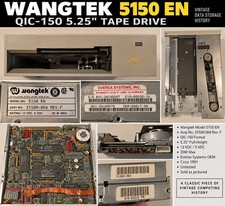
Wangtek 5150 EN QIC-150 5.25" Tape Drive Everex 31500-004 Rev F Vintage 1991
$119.99
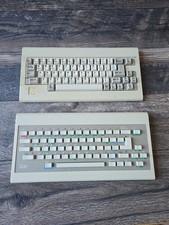
2 Vintage 1983 IBM Keyboards Untested No Stuck Keys
$49.99
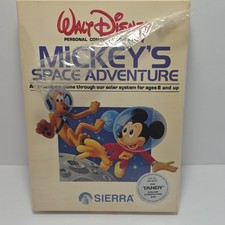
Vintage Walt Disney Mickey’s Space Adventure Tandy Color Computer Sierra 1986
$79.50
Vintage Key Tronic LT DESIGNER Mechanical/Rubber Dome Keyboard DIN-5 AT/XT
$50.00



 Reply With Quote