-
at the command line.......
# /sbin/ifconfig eth0 192.168.0.41 netmask 255.255.255.0 broadcast 192.168.0.255
that fixes the ip address, now route....
# /sbin/route add default gw 192.168.0.253
and now your dns..
edit /etc/resolv.conf should allready have some ip addresses but should look like this...
########
nameserver 196.25.255.34
nameserver 196.25.255.3
########
should be able to
# ping yahoo.com
if not try to ping your gateway
# ping 192.168.0.253
if that works you need to talk to your admin again
by the way i think those name server addresses are wrong.. you cannot use 255 as an address
its for broadcast only...
there are gui's for this but the shell will sometimes tell you more.
hope it helps.

Similar Threads
-
By dtzxdtzx1 in forum Customising & Remastering
Replies: 4
Last Post: 07-20-2007, 03:45 PM
-
By wosto in forum Hdd Install / Debian / Apt
Replies: 0
Last Post: 04-04-2006, 09:23 AM
-
By your_breakfast in forum Customising & Remastering
Replies: 0
Last Post: 02-13-2005, 11:29 AM
-
By qeldroma in forum General Support
Replies: 1
Last Post: 09-08-2004, 01:34 PM
-
By qeldroma in forum Laptops
Replies: 0
Last Post: 09-07-2004, 10:52 PM
 Posting Permissions
- You may not post new threads
- You may not post replies
- You may not post attachments
- You may not edit your posts
-
Forum Rules

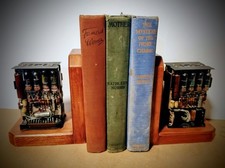
One Of A Kind Homemade Vintage Mainframe Computer, Logic Module Wood Bookends
$149.00

Vintage Intel Mainframe Server MCM CPU Substrate Lot Prototyping PGA Validation
$500.00

HP 5060-8359 8K Semiconductor Memory Module 5080-9747 Vintage HP Computer
$157.30

Vintage Telex 952003-112 Mechanical Terminal Keyboard IBM 3270 Mainframe DB25
$799.00
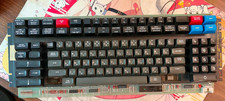
Vintage Japanese Katakana Double Shot Sperry Univac UTS 4000 Keyboard 1981
$199.99
Vintage IBM Mainframe System Board IBM 14 Transistor Chip Circuit
$44.99
LOT of 14 DATA 100 Corporation Mainframe Terminal Boards Memory Backplane Gold
$749.99
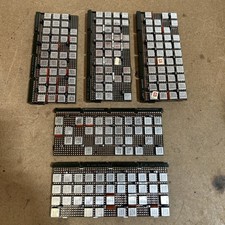
Vintage IBM Syst 370 MST Boards Lot Of 5 Heavily Populated IBM 22 Alu Can Chips
$89.00
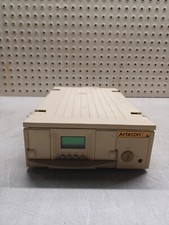
VINTAGE Artecon LX-1558FN HDD EOD SubSystem Mainframe POWERS ON RARE
$299.99
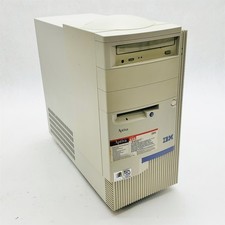
IBM Aptiva E5D Intel Pentium II 400MHz 64MB RAM No HDD Vintage Computer 2139E5D
$219.99



 Reply With Quote