

 Reply With Quote
Typical, as soon as I asked the question, I figured it out, at least most of it.
You simply place the script in the /etc/init.d/ directory, and then run update-rc.d on it. After rebuilding it, it will execute the script on startup.


Hey folks,
I'm ok with Linux, but no master, so I request the help of some of the sagely contributors here. I've searched, but couldn't find the answer to my question.
What I need to do is have a user boot a system using customized knoppix CD, launch at runlevel 2, and automatically execute a script so that they never see the command line, only respond to prompts by the script. Now, booting into runlevel 2 by default is easy enough, but how do you force the system to autorun a script? Thanks in advance for any help you can give me.
Typical, as soon as I asked the question, I figured it out, at least most of it.
You simply place the script in the /etc/init.d/ directory, and then run update-rc.d on it. After rebuilding it, it will execute the script on startup.
 Posting Permissions


Intel Core i7-3770K 3.5 GHz Processor
$39.00

Intel Core i7-9700 3.0 GHz Octo-Core (SRG13) Processor
$79.00
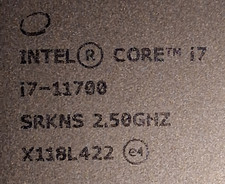
$120.00

HP ProDesk 405 G8 Desktop AMD Ryzen 5 PRO 5650GE 16GB RAM 512GB SSD W11P
$319.99

Intel SRG17 Core i7-9700T Desktop Processor CPU
$74.99

Intel Core i7-9700 SRG13 3.0 GHz Desktop CPU
$80.00

Intel Core i5-14600KF Unlocked Desktop Processor
$259.99
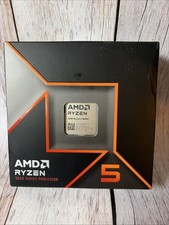
AMD Ryzen 5 9600X Processor (Zen 5) 6-Core 3.9GHz AM5 65W Desktop CPU
$169.99

GAMING COMBO: ASUS Prime H470M-PLUS MOTHERBOARD + i5-10600KF CPU + 16GB DDR4
$229.95
Intel Core i5-4590T 2 GHz 5 GT/s LGA 1150 Desktop CPU Processor SR1S6
$14.99