

To save time installing knoppix in a lab environment, I have used G4U to copy a good knoppix install to another drive. Most of the time it works to pop the new drive into a PC and boot up. Knoppix usually finds all the new hardware and works fine. I am having a problem with some older monitors though that cannot handle the display settings in X windows. I see in the FAQ there is a solution for adding a new graphics card, by copying over the new display settings from the cd-rom boot up, to the hard drive install. Unfortunately, I have a few older machines that the cd drives do not work very well. Is there a way on a hard drive install to stop the boot process and pass some cheat code commands, so I can boot up successfully, and then make necessary changes in the display settings?
 Posting Permissions

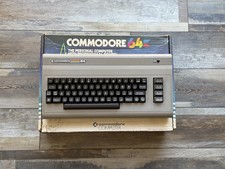
Fully Refurbished Commodore 64 + Original Box | Recapped, Tested, Guaranteed
$299.00

Pi1541 Zero with Epyx Fastload Hat, Case & 16gb SD for Commodore 64 and 128
$79.99

TeensyROM+ TR+ v0.4 Cartridge for C64/128 - w/ Case & 32GB SD Preloaded
$89.50

Commodore 64 Dead Test & Diagnostic Cartridge & Test Harness Set - USA seller
$39.99
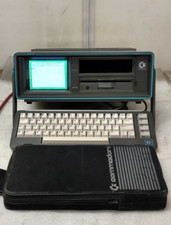
Commodore SX-64 Personal Computer
$600.00

Commodore 64 Serial Cable 6PIN DIN 1541 1571 C64 128 C128 Disk Drive Printer USA
$10.49

Commodore 1541 Emulator PI1541 HAT with ROTARY, OLED screen, USA Seller
$29.99

Commodore 64 PC with Model 1541 Diskette Drive and Flight Simulator II *READ*
$199.99

Commodore OS USB | Bootable LIVE + Install | The Ultimate Gaming Linux OS | NEW
$11.99
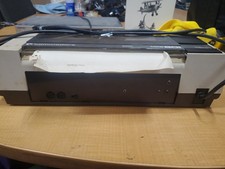
RARE Commodore MPS801 Printer - 1st printer for the 64 - powers on
$70.00


 Reply With Quote