-
Remastering Problems
Hello,
I am remastering kanotix Cebit, and running into problems. I have successfully remastered kanotix 2005-04 64 bit, so I'm really frustrated. Any help would be GREATLY appreciated.
I have followed the steps exactly as http://www.knoppix.net/wiki/Knoppix_Remastering_Howto
I have changed /mnt/hda1/knx to /media/sda3/knx
my problems start here:
mkisofs -R -U -V "KNOPPIX.net filesystem" -publisher "KNOPPIX www.knoppix.net" \
-hide-rr-moved -cache-inodes -no-bak -pad /media/sda3/knx/source/KNOPPIX \
| nice -5 /usr/bin/create_compressed_fs - 65536 > /media/sda3/knx/master/KNOPPIX/KNOPPIX
does not work (it creates a small file) so change the last line to:
| nice -5 /usr/bin/create_compressed_fs - 65536 > /mnt/hda1/knx/source/KNOPPIX/KNOPPIX
All appears well, it takes about 15 minutes for the image to be made. When finished I then:
cd /media/sda3/knx/master and
mkisofs -pad -l -r -J -v -V "KNOPPIX" -no-emul-boot -boot-load-size 4 \
-boot-info-table -b boot/grub/iso9660_stage1_5 -c boot/grub/boot.cat \
-hide-rr-moved -o /media/sda3/knx/knoppix.iso /media/knx/inertia/master
(i changed boot/isolinux/isolinux.bin to boot/grub/iso9660_stage1_5 and boot/isolinux/boot.cat to boot/grub/boot.cat)
I then get this error :
Uh oh, I can't find the boot catalog directory in 'boot/grub'!
Please help, I've been up for days and don't know what else to do.
-
I have been successful at this step now:
mkisofs -R -U -V "Inertia filesystem" -publisher "InertiaOS" \
-hide-rr-moved -cache-inodes -no-bak -pad /media/sda3/inertia/source/KNOPPIX \
| nice -5 /usr/bin/create_compressed_fs - 65536 > /media/sda3/inertia/master/KNOPPIX/KNOPPIX
(I deleted the directorty /media/sda3/inertia/master/KNOPPIX/KNOPPIX - I'm not sure how it was created)
But I still get the same error at the next step:
Uh oh, I can't find the boot catalog directory in 'boot/grub'!
And yes boot.cat is in boot/grub
Any thoughts or ideas would be helpful.
-
Hi !
While in your master directory just do a
cp -a cdrom/boot .
And it worked for me
Similar Threads
-
By kurush_ishraqi in forum Customising & Remastering
Replies: 0
Last Post: 03-19-2008, 08:24 AM
-
By Sendotux in forum Customising & Remastering
Replies: 1
Last Post: 08-06-2006, 06:35 PM
-
By mben in forum Customising & Remastering
Replies: 2
Last Post: 03-01-2006, 01:13 PM
-
By raj1478 in forum Customising & Remastering
Replies: 3
Last Post: 02-01-2005, 09:26 AM
-
By Georgy#28 in forum Customising & Remastering
Replies: 2
Last Post: 05-11-2004, 02:20 PM
 Posting Permissions
- You may not post new threads
- You may not post replies
- You may not post attachments
- You may not edit your posts
-
Forum Rules

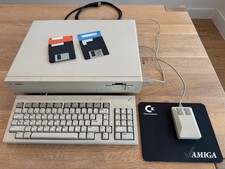
Commodore Amiga 1000, Keyboard, Tank Mouse, RAM Expansion, Tested, Working
$599.00
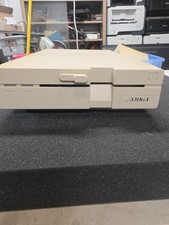
Commodore Amiga 1020 5.25" External Floppy Drive Not Tested Parts Only
$199.99
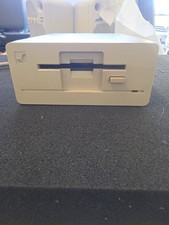
Commodore Amiga 1010 External 3.5 Floppy Disk Drive - Not Tested No Returns
$79.99
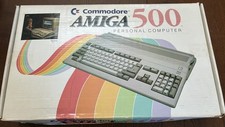
Commodore Amiga 500 in box NTSC with mouse and power supply 512k
$340.00
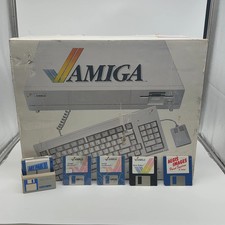
Commodore Amiga 1000 Personal Computer With Original Monitor and Speakers
$1352.99
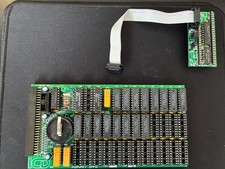
Amiga 500 AdRAM 540 1.5MB trapdoor memory
$45.00
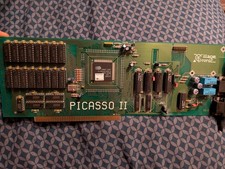
Amiga Picasso II RTG Graphics Card for Amiga 2000 3000 And 4000
$324.99
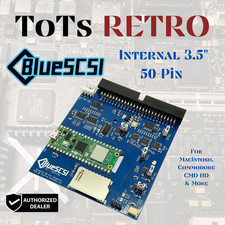
BlueSCSI v2 Internal 50-pin 3.5" SCSI Drive ,Wi-Fi,For Macintosh, Amiga, PC
$52.99

Microbotics Starboard 2MB + SCSI Sidecar for Amiga 1000 Vintage Computer READ
$279.00

Commodore VIC-20 Diagnostic Cartridge & Test Harness Set - USA seller
$39.99



 Reply With Quote