

I need to login as root but I need to make a root password to do that. When I go to change the root password I get the change unix password input line but I can't type, the cursor blinks like I can type but no letters input. How do I fix this/get around it?
I already know about that. The problem is when I try to change the password the command box freezes.
Are you sure it freezes. Did you try writing something and pressing Enter? It's normal that you don't see anything while typing your password - it's meant to work that way.Originally Posted by K-Man
Code:knoppix@1[knoppix]$ sudo passwd Enter new UNIX password: # Enter your password and press Enter, you won't see anything while typing. Retype new UNIX password: # Enter your password again and press Enter, you won't see anything while typing. passwd: password updated successfully
 Posting Permissions


Mini Computer Vacuum USB Keyboard Cleaner PC Laptop Brush Dust Cleaning Kit NEW
$13.89
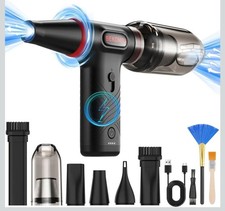
Compressed Air Duster 1 Button Adjustment 12000 RPM Air Blower Car Home Keyboard
$38.99

LEVOIT Cordless Vacuum Cleaner, Stick Vac with Tangle-Resistant Design, Up to...
$167.63

V3 Robot Vacuum and Mop Combo,Self-Charging,5000pa Strong Suction,WiFi/Alexa NIB
$82.00

Compressed Air Duster Rechargeable Computer Vacuum Cleaner for PC Keyboard Toys
$16.99

2-in-1 Compressed Air Duster & Vacuum, Brushless Motor, 320000RPM
$37.99
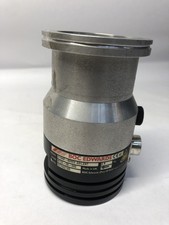
BOC Edwards EXT70 B722-05-000 G1946-80002 Turbomolecular Vacuum Pump ISO63
$100.00

Cordless Electric Mini Air Duster Blower Vacuum Cleaner for PC Computer Car Home
$16.99

Cordless Handheld Vacuum Cleaner Compatible with DeWalt 20V Battery
$106.14

Cordless Air Duster & Vacuum Cleaner for Keyboard & PC Cleaning - 110000RPM Powe
$53.99


 Reply With Quote