

I need to login as root but I need to make a root password to do that. When I go to change the root password I get the change unix password input line but I can't type, the cursor blinks like I can type but no letters input. How do I fix this/get around it?
I already know about that. The problem is when I try to change the password the command box freezes.
Are you sure it freezes. Did you try writing something and pressing Enter? It's normal that you don't see anything while typing your password - it's meant to work that way.Originally Posted by K-Man
Code:knoppix@1[knoppix]$ sudo passwd Enter new UNIX password: # Enter your password and press Enter, you won't see anything while typing. Retype new UNIX password: # Enter your password again and press Enter, you won't see anything while typing. passwd: password updated successfully
 Posting Permissions


Kids Case for Samsung Galaxy Tab A9+/A9 plus 11 Inch 2023 Case, with Strap, Shoc
$27.99

SAMSUNG GALAXY BOOK 6 - 14" Intel Ultra 7 355 16GB RAM/512GB Win11 *BARELY USED
$850.00

Samsung Galaxy View Tablet 18.4 SM-T670/677A Digitizer 100% Original Oem
$152.99

Samsung XE303 C12 Chromebook 11.6 1.7GHz, 2GB Ram, 16GB SSD, working condition
$42.00

Samsung JC95-01514A Cover-Side Roller T2 Compatible
$39.00

Samsung JC93-01078A Transfer Roller T2
$89.00

Magnetic Leather Flip Case with Stand for Samsung Tab S9 S9+ S10+ S10 Ultra
$20.99
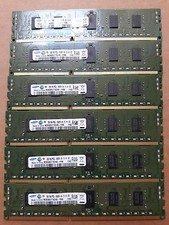
USED Samsung 12 GB (2GBx6) PC3L-10600R Server Memory Ram 1Rx8
$65.00
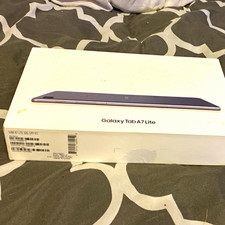
Samsung Galaxy Tab A7 Lite 32GB Gray Wi‑Fi 8.7in Android Tablet SM-T220
$75.00

Samsung Galaxy Tab A9+ SM-X218U WIFI + 4G AT&T 64GB
$99.99


 Reply With Quote