

ok well after taking TheBoyMole's advice and sucessfully editing the fstab file to change the things that the default knoppix user did to say taht my username did it my flash drive was working well but for some reason now whenever i plug my flash drive in i have to edit teh fstab file every time. when i open the fstab file to edit it i go into root consle so i have permission and then type "kate ect/fstab" and it opens up but when i edit it and save the file the root console adds a line that says Uh Oh.. Can't Write Data.. why does it say that? im pretty sure thats why i have to edit the file every time because it isnt saving my changes...whats wrong?
and one more thing that has got me wierded out...when i plug my flash drive in it reads it as a hard disk and not a flash drive, even though on the desktop the icon is still that of a mounted/unmounted pen drive...what has got knoppix confused?
 Posting Permissions


HP ProLiant MicroServer Gen8 G1610T @2.3 GHz, 16GB, 712317-001 NO HDD/OS
$199.00

$280.00

Supermicro 1U Network Server Appliance 16GB RAM 800GB SSD 6 LAN Ports Powers On
$450.00

Nasuni NF-50 Supermicro Server, Atom CPU C2558, @ 2.40GHz, 8GB RAM-No HDD/OS/AC
$250.00
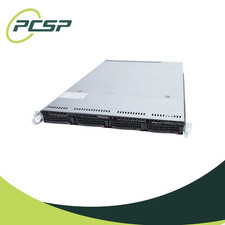
Supermicro CSE-815-5 4B LFF Xeon E3-1245v6 16GB DDR4 1x 9361-8i 4x 1TB SATA HDD
$483.99
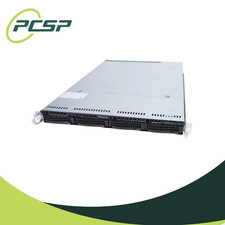
Supermicro CSE-815-5 4B LFF Xeon E3-1220v5 16GB DDR4 1x 9361-8i 4x 1TB SATA HDD
$477.00
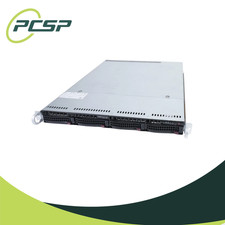
Supermicro CSE-815-5 4B LFF Xeon E3-1240v5 16GB DDR4 1x 9361-8i 4x 1TB SATA HDD
$484.00

HP PROLIANT MICROSERVER GEN8 E3-1220LV2 @ 2.30GHz, 8GB RAM, NO HDD/OS
$164.97

Supermicro CSE-937 3U Storage Chassis No CPU No HDD No Ram Tested & Reset
$129.99

Supermicro CSE-937 3U Storage Chassis No CPU No HDD No Ram Tested & Reset
$129.99


 Reply With Quote