-
How do i change the language setting in Knoppix?
First time use Knoppix because of Buildix  May i know that how do i set the system default language to US mode. I know that i can set it when i reboot the machine and edit the longest string overthere but this is just temporary solution. It will reset back to original after reboot. May i know how can i permanently change it to US mode?
Another thing is, discovered that the time zone is not Asia zone. I from Malaysia, how can i set it to my country zone?
Thanks
-
Junior Member
registered user
Are you saying you've installed Knoppix to the hard-drive, or you're running the CD each time?
If for the CD, you have no choice but to configure it manually each time. Same goes for the time zone. But anyway I believe if you burn the English edition, US English is the default, so you wouldn't need to select it manually.
If you have a permanent installation (see here or here), then you can change the language settings over the KDE control panel. This will only be valid for your user account. For system-wide settings, you could install the locales package and select en_US, or if it's already installed, run
Code:
dpkg-reconfigure locales
For time zone, try running tzconfig as superuser.
http://www.debian.org/doc/manuals/sy...dmin-time.html
-
I have the dpkg-reconfigure -locales command and after running it, i need to run the locale.gen too. But how do i run this? It cannot run by simply typing locale.gen into the command. Please help.
-
Senior Member
registered user

Originally Posted by
silentemotion
I have the dpkg-reconfigure -locales command and after running it, i need to run the locale.gen too. But how do i run this? It cannot run by simply typing locale.gen into the command. Please help.
Do you perhaps mean locale-gen and not locale.gen?
At least Knoppix 4.0.2 CD has locale-gen.
-
sorry for wrong typing. I can manage to change to US mode. But the problem is each time it will revert back to original setting when i reboot the OS. I install Knoppix in VM and my VM setting for hard disk is independent. It means everything changes will be committed to the disk. But i cannot make it for this Knoppix.
When i type "locale" in the command prompt, it gives me everything using "C", which is default setting and this is also what i want. It change to "eb_GB" if i reboot the VM. How come? Does anybody here have any idea of what it is happening? Please help.
-
Junior Member
registered user
I've never fooled with virtual-machine software, so I'm afraid I can't help you. But in Debian (and probably Knoppix too) the global language setting is of course not stored under /home, but rather in /etc/locale.gen . If this is not being stored and read by the VM software, that would explain why.
Start your Knoppix under VM and do
Code:
$ cat /etc/locale.gen
Then you will at least have an answer whether this is being read by the system when it starts.
Similar Threads
-
By mowatmail in forum Customising & Remastering
Replies: 1
Last Post: 04-14-2009, 02:19 PM
-
By morpheus276 in forum General Support
Replies: 1
Last Post: 06-07-2006, 04:05 AM
-
By snowspawn in forum General Support
Replies: 1
Last Post: 11-30-2005, 06:16 AM
-
By cluzterix in forum Customising & Remastering
Replies: 8
Last Post: 08-08-2005, 08:22 AM
-
By KnopperX in forum General Support
Replies: 1
Last Post: 02-26-2004, 05:45 PM
 Posting Permissions
- You may not post new threads
- You may not post replies
- You may not post attachments
- You may not edit your posts
-
Forum Rules

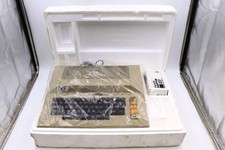
Atari 800 Home Computer Later Variant In Original Styro W/ BASIC CLEAN Untested
$224.99

ATARI XF551 DISK DRIVE WITH AC POWER ADAPTER AND PARALLEL PORT ADAPTER, UNTESTED
$250.00
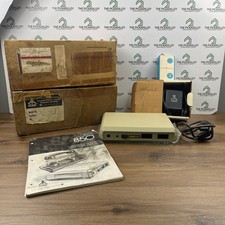
Atari 850 Interface Module Vintage 8-Bit Computer Expansion Serial Parallel Box
$159.95
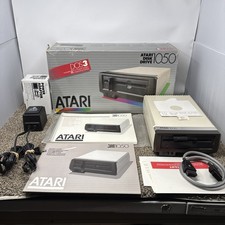
Atari 1050 Floppy Disk Drive Tested With All Cables Power And Data SIO In Box
$200.00
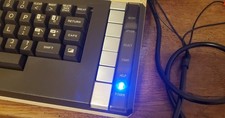
Atari 800 XL 8-Bit Computer W/ Blue LED And S Video A/V Cable
$155.00

Fujinet 1.7.1 Atari 400 800 800XL 130XE 65XE XEGS Assembled, Tested, Working
$99.99
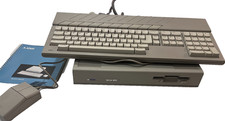
ATARI MEGA ST2 Computer w/ kb mouse and manual- does not read disks
$279.37
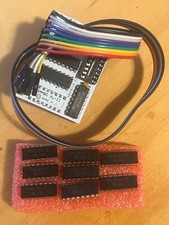
Atari 800XL/1200XL 256k Memory Upgrade Kit
$48.00

Happy 1050 Upgrade for Atari 1050 Disk Drive - Solderless Installation - HS/DD
$49.97
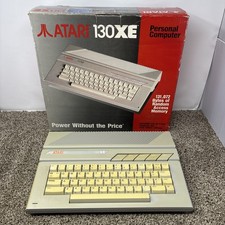
Vintage Atari 130XE Computer FOR PARTS OR REPAIR BAD RAM IN BOX
$180.00



 Reply With Quote