

 Reply With Quote
That error is telling you that you're trying to use a frequency that your monitor cannot handle. Try booting like this:
boot: knoppix vga=normal
Also check out the other Cheat Codes


First try to boot Knoppix fails with big red box with an error message. I have no idea what it means or how to 'fix' it.
Error states: "Attention: Signal frequency is out of range - Please change signal timing"
Thx, RonE
That error is telling you that you're trying to use a frequency that your monitor cannot handle. Try booting like this:
boot: knoppix vga=normal
Also check out the other Cheat Codes
That's the monitor erroring out. You can also try using the key combination [Ctrl]-[Alt]-[+] (the + key on the keypad). Repeated presses cycle through all three pre-defined resolutions. the monitor may like one that you can stick with.Originally Posted by RonE
 Posting Permissions


(New) AMD Ryzen 7 5700X 8 Core 16 Thread AM4 Unlocked 3.4 GHz CPU OEM Tray
$174.99
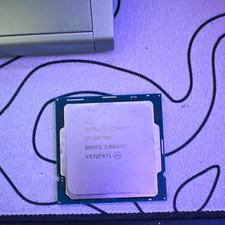
Intel Core i7-10700K 8-Core 3.80GHz LGA1200 CPU SRH72 i7-10700K
$75.00

OPNsense Firewall 8-Core Atom C3758 4GB DDR4 RAM 64GB SSD 8x 1Gbe QAT AES-NI VPN
$95.00
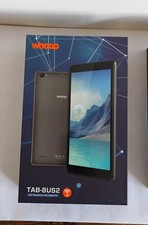
WHOOP TAB-8US2 8" Quad Core, 4G, 32 GB SSD, 3 GB RAM, Tablet PC W/Cover Bundle
$59.95
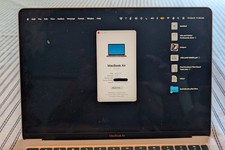
MacBook Air 13" Apple M1 8-core - 8-core GPU • 512 GB • RAM 8GB Very Good Cond
$450.00
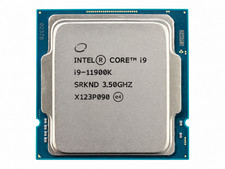
Intel Core i9-11900K 3.5GHz 8-Core 16-Thread LGA1200 Desktop CPU Processor(3536)
$249.99
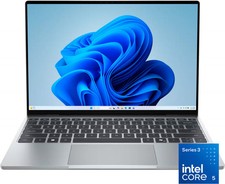
Dell - XPS 13.4" 3K Touchscreen Laptop - Intel Core 5 Series 3 320 2026 - 8GB...
$599.99
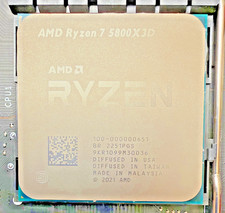
AMD Ryzen 7 5800X3D 8-core, 16-Thread Desktop Processor -- Fully functional
$285.00
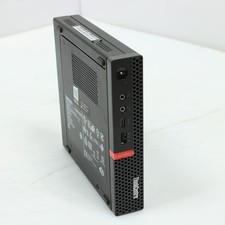
Lenovo Thinkcentre M720q Intel Core i5 8th Gen 8GB RAM 256GB No OS USFF Desktop
$115.00
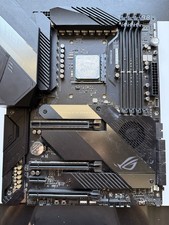
AMD Ryzen 7 5800X3D CPU W/ ASUS ROG Crosshair VIII Hero Motherboard
$525.00