-
Senior Member
registered user
Enter at the boot prompt. This will check the cd for data errors. If the cd is fine ("Everything looks o.k."), the problem might be caused by defective hardware. Use boot command to test your computer's memory modules.
Similar Threads
-
By mikekgr in forum Hdd Install / Debian / Apt
Replies: 0
Last Post: 06-30-2004, 08:01 AM
-
By Stryker87 in forum General Support
Replies: 3
Last Post: 06-14-2004, 01:22 AM
-
By foofightr in forum General Support
Replies: 1
Last Post: 01-26-2004, 02:58 AM
-
By massai in forum Hdd Install / Debian / Apt
Replies: 6
Last Post: 12-24-2003, 06:56 PM
-
By Gecko in forum Hdd Install / Debian / Apt
Replies: 0
Last Post: 10-19-2003, 03:28 PM
 Posting Permissions
- You may not post new threads
- You may not post replies
- You may not post attachments
- You may not edit your posts
-
Forum Rules

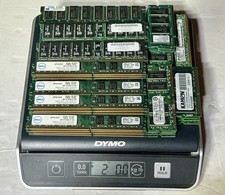
2.0 LBS Vintage Scrap Memory RAM FOR Gold Recovery PC & SERVER RAM UNSHIELDED
$110.00

Ast Advantage Adventure 4050D Vintage Retro Computer Great Condition
$199.99
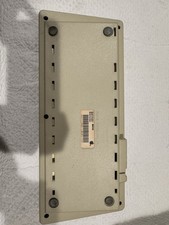
Vintage Apple Keyboard (MO110)
$61.30

Vintage Computer Keyboard Northgate OMNIKEY Ultra
$120.00
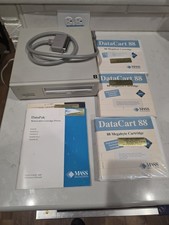
Vintage Mass Microsystems DataPak 88MB Removable External SCSI Hard Drive...
$149.99
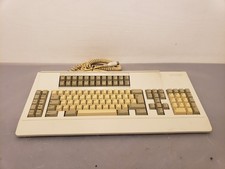
Vintage Memorex Telex 122-Key AT Terminal Keyboard 96550264
$100.00
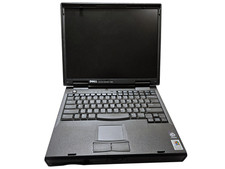
Vintage Dell Inspiron 7500 15" Pentium II 400MHz 128MB 4.8GB Windows 2000 Pro
$59.00
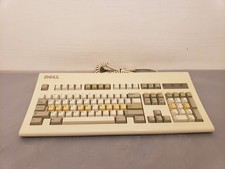
Vintage Retro Dell AT101R Mechanical PS2 Beige Keyboard
$45.00

Vintage HP 21MX 1000 M-Series Minicomputer Chassis Backplane Parts AS-IS
$228.19
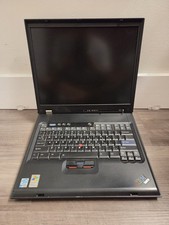
Vintage Rare IBM ThinkPad G40 Laptop Untested Parts Only
$59.95



 Reply With Quote