

 Reply With Quote
1. Start Control Center from KMenu->Control CenterOriginally Posted by RobertLichen444
2. Go to Peripherals->Mouse
3. Select Double-click to open files and folders (select icons on first click) option on that page
4. Press Apply


I try to click on a file, merely to select it. But clicking on a file, even once, launches the program with which that file is associated.
How can I enable "double-clicking to launch", and "single-clicking to select" ?
1. Start Control Center from KMenu->Control Center
2. Go to Peripherals->Mouse
3. Select Double-click to open files and folders (select icons on first click) option on that page
4. Press Apply
 Posting Permissions


Microbotics Starboard 2MB + SCSI Sidecar for Amiga 1000 Vintage Computer READ
$329.00

RGB2HDMI Amiga 500 UltraLong (Accelerator Friendly) HDMI Games, non-RTG A500
$50.00
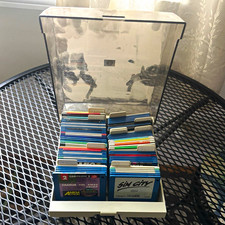
ALS Storage Box with Assorted Amiga Format 3.5" Floppy Disks
$199.00

Amiga Model 1080 RGB color CRT monitor - Parts Or Repair - Doesn’t Power On
$100.00

Amiga Emplant Emulator Card For Commodore Amiga 2000 4000 3000
$249.00

Commodore Amiga 4000 Motherboard Rev B - untested
$225.00
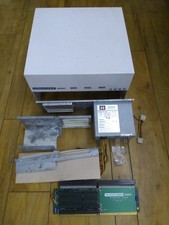
HighFlyer Amiga 4000 Tower & Bus Extender, Expansion Systems A4000T Kit
$888.50
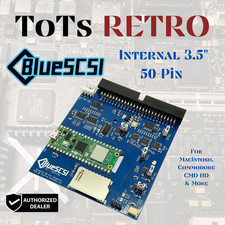
BlueSCSI v2 Internal 50-pin 3.5" SCSI Drive ,Wi-Fi,For Macintosh, Amiga, PC
$52.99

Commodore VIC-20 Diagnostic Cartridge & Test Harness Set - USA seller
$39.99
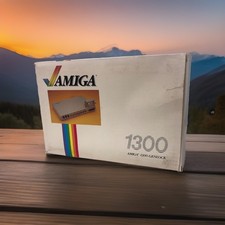
OPEN BOX - AMIGA Genlock Interface Vintage Video Adapter 1300- GREAT
$329.95