
When I boot using home=scan it finds and mounts uba1 fine. A box pops up asking for some options. If I want to overwrite/update stored system configuration in image. How do I check that box and why would I want to?


When I boot using home=scan it finds and mounts uba1 fine. A box pops up asking for some options. If I want to overwrite/update stored system configuration in image. How do I check that box and why would I want to?
you go up/down with arrowkeys and use spacebar to check/uncheck any box/es.
this has been more or less standard for well over a decade, it is used in several boises and
i used that i windows 3.X and i think earlyer when i had to "fiddle" to get my mouse working.
Thanks,
Worked fine! I still don't know if I should let it update the configuration tho..........
 Posting Permissions

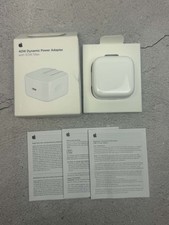
Apple 40W Dynamic Power Adapter 60W Max for iPhone/iPad/AirPods/MacBooks OEM
$17.99

OEM Apple Data Migration Toolkit for A1706 A1707 MacBook Pro PN 076-00236
$549.99

Genuine Apple Power Adapter Extension Cable 6FT White OEM MacBook MK122LL/A
$10.99

Genuine Apple OEM A2164 30W USB-C AC Power Adapter with USB-C Cable, Very Good
$21.05

Genuine OEM Apple MagSafe 2 45W AC Adapter Charger for Macbook Air 2015 11" 13"
$14.24

OEM 45w T-Tip Power Adapter charger for Apple macbook air 2012-2017 A1436 A1466
$19.99

OEM Apple 45W A1436 Power Charger AC Adapter for MacBook Air MagSafe 2
$12.99
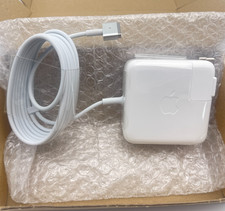
OEM 45W Charger For Apple MacBook Air 11-inch 13-inch Early 2012 2013 2014 2015
$26.98

$6.99
Genuine OEM Apple 70W USB-C Power Adapter
$34.99

 Reply With Quote