-
"no valid block device" message
Dear all,
I ran into these problems when I tried to connect my digital camera to my computer after using a USB memory stick. The stick was on /dev/sda4 and the camera on /dev/sda1. When I tried to mount the camera I got a pop-up saying "/dev/sda1 is not a valid block device".
I do not know how to realy solve the problem in a nice way, but a manner of living with the problem is to remove the usb-storage module and then initialize it again. To do this, use
<unmount and plug out the device you used.>
modprobe -r usb-storage
modprobe usb-storage
<plug in and mount the device you want to use.>
in a terminal. Most likely you have to login as root to do so.
I'd love to hear better solutions.
cyclotron
Similar Threads
-
By cleary in forum Hardware & Booting
Replies: 8
Last Post: 04-09-2005, 06:28 PM
-
By tommy in forum Hdd Install / Debian / Apt
Replies: 2
Last Post: 10-22-2004, 07:37 AM
-
By cowmamba in forum General Support
Replies: 3
Last Post: 08-04-2003, 05:45 AM
-
By hadrien001 in forum Hdd Install / Debian / Apt
Replies: 8
Last Post: 06-03-2003, 07:30 PM
-
By Sucker in forum General Support
Replies: 1
Last Post: 02-03-2003, 09:11 PM
 Posting Permissions
- You may not post new threads
- You may not post replies
- You may not post attachments
- You may not edit your posts
-
Forum Rules

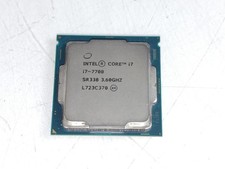
Intel Core i7-7700 3.6 GHz 8 GT/s LGA 1151 Desktop CPU Processor SR338
$39.99
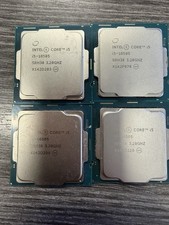
LOT OF 4 Intel Core i5-10505 6-Core 3.2GHz SRH38 CPU Processor
$349.95
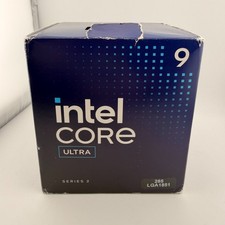
READ Intel Core Ultra 9 285 Processor LGA 1851
$449.99
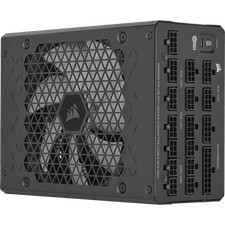
Corsair HX1500i 1500W 80+ Platinum Fully Modular ATX 3.1 PSU Certified Refurb
$207.99
Intel Core i5-12600 3.30 GHz Processor CPU
$119.99

AMD Ryzen 5 5600X Desktop Processor (3.7GHz, 6 Cores, AM4 CPU) 100-100000065
$135.00
INTEL CORE i7-7700K 4.20GHz CPU QUAD CORE Processor SR33A *km
$66.99

Intel Core i9-9900 3.10GHz CPU Processor SRG18
$165.00

INTEL CORE I7-870 SLBJG 2.93GHZ LGA1156 4 CORE CPU PROCESSOR
$23.00
Intel Core i7-11700F SRKNR 2.5GHz 8-Core 16MB CPU Processor Socket LGA1200
$149.99



 Reply With Quote