-
booting on Intel Mac
I am trying to boot an OS called hikarunix that is based on Knoppix and DSL. This may not be the best place to ask, but it is the most active forum I could find. I have found that for portability purposes, trying to boot on Intel Macs has become easier to do than on a PC. Unfortunately I have only had one success so far.
So I was wondering if anyone had tried booting a live CD on one of the Intel Macs and what issues and solutions had come up.
The first time I tried, I actually changed the startup disk in the system preferences and restarted that way. It actually booted the whole way, except the mouse didn't work and I didn't know what to do from there. But unless you are authorized, you can't change the startup disk on a computer. So that wouldn't work on public computers. So then I tried booting from the disk by holding C during startup. The boot process starts and goes along fine until I run into some issues with xauth and xinit.
I get two tries at xauth: creating new authority file. then it says "giving up". then i have 2 errors, xinit: no such file or directory, and xinit: no such process.
then i get some kind of prompt thing, related to DSL i believe dsl@tty1[dsl]$
not sure if anyone can help. i'd love to be able to have my own 'workstation' that i can carry around with me while i'm out and about, since my only computer is an old apple imac running OS 9, i can't do much with that these days. i like the idea of knoppix, and i found it through this hikarunix OS which is loaded with programs for learning and playing GO, which is how I got there. I'm a newbie to all of this, but I am intrigued, and want to learn. i like the freedom linux seems to offer, so i'm just trying to get my foot in the door.
thanks
grant
-
Update:
I have found that when you hold OPTION to choose the OS at startup, my live CD boots up fine, except I still have no mouse.
Is there anything I can do within a terminal to setup the mouse?
I also didn't get an internet connection, couldn't detect a supported network card. Is that just to be expected since I'm trying to run this on an Apple?
Similar Threads
-
By hat_monkey in forum Hardware & Booting
Replies: 1
Last Post: 07-09-2007, 06:49 AM
-
By phantomreaper in forum General Support
Replies: 1
Last Post: 06-29-2006, 12:03 AM
-
By jock in forum General Support
Replies: 3
Last Post: 07-15-2004, 04:14 PM
-
By BillS in forum Hardware & Booting
Replies: 1
Last Post: 07-05-2004, 04:40 PM
-
By applecran in forum Hardware & Booting
Replies: 4
Last Post: 09-22-2003, 10:43 AM
 Posting Permissions
- You may not post new threads
- You may not post replies
- You may not post attachments
- You may not edit your posts
-
Forum Rules

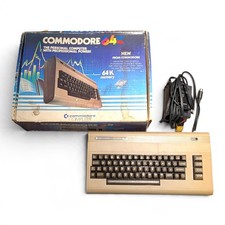
Vintage Commodore 64 Computer With Original Box and Power Supply Powers On
$146.99
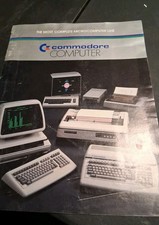
RARE 1983 BROCHURE VINTAGE COMMODORE COMPUTER LINE
$17.99
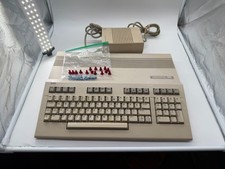
Commodore C128 Comp w/ Original Box TESTED & WORKING + Original & PETG Key Plung
$260.98

Pi1541 Zero with Epyx Fastload Hat, Case & 16gb SD for Commodore 64 and 128
$84.99
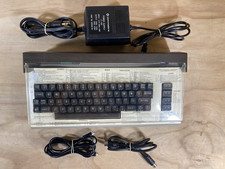
Commodore 64 Vintage Home Computer Without Box/No turn ON/FOR PARTS
$99.99
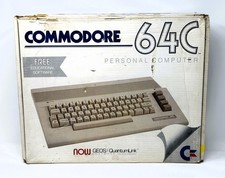
Commodore 64C Computer - Original Box - Manuals - Cover - PSU
$149.99
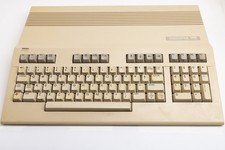
Vintage Commodore 128 Computer Powers On Not Tested with Power Supply
$169.99
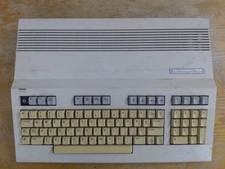
Commodore 128 Case + Keyboard + LED, C128 Computer Parts
$42.50

Commodore OS USB | Bootable LIVE + Install | The Ultimate Gaming Linux OS | NEW
$11.99
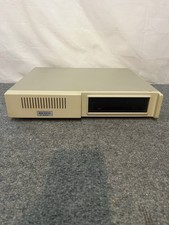
Vintage Commodore 64 Xetec Kernal Hard Drive Untested
$195.00



 Reply With Quote