
Check for user in the line refering to the drive in the /etc/fstab. If the user is in there you should be able to access and umount the drive from the desktop icon there is no need to mount it as root.Originally Posted by Tortoise


Check for user in the line refering to the drive in the /etc/fstab. If the user is in there you should be able to access and umount the drive from the desktop icon there is no need to mount it as root.
 Posting Permissions


Kingston 32GB 64GB 128GB 256GB USB 3.0 Flash Drive Thumb Memory Stick Pen lot
$285.90

Microsoft Office 2021 Pro Plus USB for 1PC Windows 10 & 11
$62.50
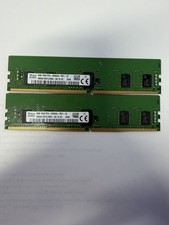
LOT OF 2 SK Hynix 8GB 1Rx8 PC4-3200AA ECC HMA81GR7CJR8N-XN
$89.95
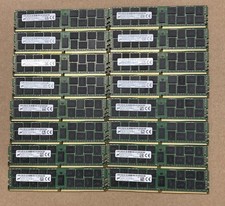
Lot Of 16Micron MTA36ASF2G72PZ-2G1A2IJ 16GB 2Rx4 PC4-2133P-RB0-10 ECC Server Ram
$960.00

USB 3.0 Flash Drive 32GB 64GB 128GB Memory Stick Thumb Stick Lot Pack
$826.09

USB 3.0 Micro SD SDHC TF Card Reader Memory Adapter for PC Laptop Camera lot
$3.75
Micron 64GB 4DRX4 PC4-2400T-LE2-11 MTA72ASS8G72LZ-2G3B2MG DDR4 Server RAM KD313
$249.98

128GB (4x32GB) SK hynix DDR4 PC4-2666V RDIMM ECC Server Ram HMA84GR7CJR4N-VK
$799.00

Lot Of 8 Micron 8GB 2Rx8 PC4-2666V-RE2-11 ECC REG Server Ram MTA18ASF1G72PDZ-2G6
$210.00
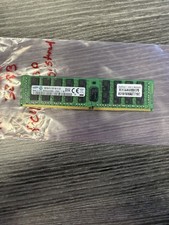
Samsung 32GB DDR4 2133MHz ECC Registered Server RAM M393A4K40BB0-CPB0Q
$144.95

 Reply With Quote