

 Reply With Quote
Your problem is one very often associated with a marginal high speed burn. The first thing that I would advise based on this limited information would be go back and try a CD that was burnt at low speed.Originally Posted by gurustered


Hi all, I am new to Knoppix. I have tried this CD before on another system and it worked. But now on this new system (i am trying to resize Windows partition) I get the following messages
I am using the KNOPPIX CD v 5.1 and during boot up it is
Scanning for USB/Firewire devices... Done.
Can't find KNOPPIX filesystem. sorry
Dropping you to a (very limited) shell.
Press restart button to quit
I am using a USB Keyboard (only option available) for this system.
what can I do to boot up into KNOPPIX?
Thanks
Your problem is one very often associated with a marginal high speed burn. The first thing that I would advise based on this limited information would be go back and try a CD that was burnt at low speed.
---
Verifying of md5 checksum and burning a CD at slow speed are important.
I have burned the CD (different downloads) as low as 12x, and I still am getting the same error.
I'm having the same problem, with a cd burnt at 4x! On another computer the cd worked really fine!
When I tried another distribution, an other error message was shown at startup: failed to mount cd-rom...
Is this possibly just a problem with my dvd-drive? Can anyone please help me?
IMHO could be a 'cd-drive_related_issue' but even a 'cpu_related_issue'.
With regard a this last assumption consider that I work with 10 pcs with the same hardware. It was happened that 2 of this pcs have had a motherboard crash after 3 years from buyng. So I've replaced the old motherboard with a brand new one, most recent and more powerful with a more powerful cpu, while the cd-drive have remained the same. So I've discovered that some linux-live-cds (not knoppix) and even install-cd (slackware) doesn't load on old pcs with old motherboard (with errors messages in loading stage and even not recognized as boot device at all) but load painlessly on new motherboards with the same old cd-drives!!
Well, actually my computer is brandnew!
I've also tried the 'nodma' option and all that (there are a lot of similar discussion out there!) but that doesn't work for me...
 Posting Permissions

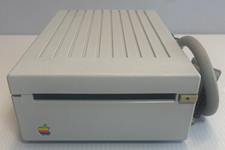
VINTAGE Apple 3.5 Drive External 3½" Floppy Drive DB-19 Beige | P/N A9M0106
$159.00
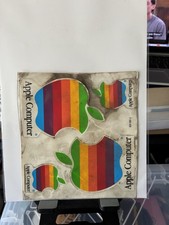
Vintage Apple Computer Rainbow Logo Sticker Sheet
$54.00

Vintage Apple USB Mouse M4848 Bondi Blue iMac G3 Hockey Puck - Tested Working
$22.99
![VINTAGE APPLE III COMPUTER FOR RESTORATION OR PARTS [NOT WORKING MISSING PARTS] picture](/store/img/g/LtgAAeSwBWFqwvf-/s-l225/VINTAGE-APPLE-III-COMPUTER-FOR-RESTORATION-OR-PART.jpg)
VINTAGE APPLE III COMPUTER FOR RESTORATION OR PARTS [NOT WORKING MISSING PARTS]
$299.99
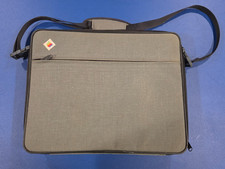
Vintage Apple IIc Computer Carrying Case Bag Grey Canvas Rainbow Logo 1980s
$74.99
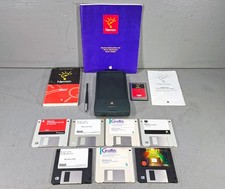
Vintage Apple Newton MessagePad 120 w/ Stylus Flash Card & Software *WORKS*
$99.99
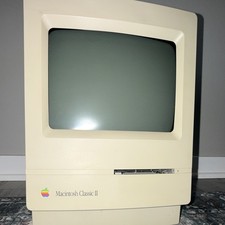
Apple Macintosh Classic II M4150 Vintage All-In-One Home Computer
$70.00

Vintage QTRONIX SCORPIUS Apple ADB Keyboard TESTED
$30.00

Vintage Apple Multiple Scan 15av Display Monitor M4681
$299.99
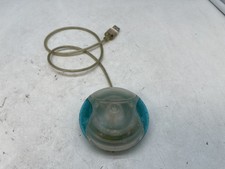
Vintage Apple USB Mouse M4848 Bondi Blue "Hockey Puck" Mac Mouse - Free S/H
$24.99