-
Junior Member
registered user
From my experience with v5.1.1
The mount point is defined once the drive is detected. So, you can just simply:
knoppix@Knoppix:~$ sudo mount /media/sda1
(Not sure what is the naming convention. When I use USB flash drive, it was named /media/sda. When I use external hard disk, it was named /media/sda1).
In addition, if the desktop icon is not automatically created and you need it, you can create it manually, like what we do on Windows.
Similar Threads
-
By manfronix in forum Hdd Install / Debian / Apt
Replies: 0
Last Post: 03-24-2009, 07:23 AM
-
By HugoRune in forum Other Live CDs
Replies: 1
Last Post: 10-15-2008, 09:45 PM
-
By pubo in forum Hardware & Booting
Replies: 0
Last Post: 06-15-2005, 12:27 PM
-
By vinayjain in forum Hdd Install / Debian / Apt
Replies: 1
Last Post: 12-13-2004, 01:33 AM
-
By clinthammer in forum Hardware & Booting
Replies: 1
Last Post: 06-14-2004, 04:58 AM
 Posting Permissions
- You may not post new threads
- You may not post replies
- You may not post attachments
- You may not edit your posts
-
Forum Rules

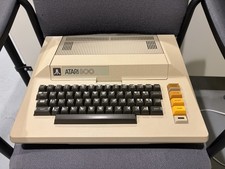
Atari 800 Computer
$75.00
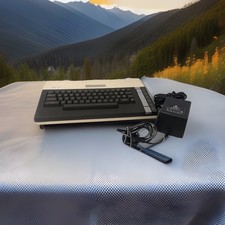
ATARI 800 XL 8-Bit Computer w/ Power Supply
$169.00

DEFECTIVE Atari 810 Vintage Computer Disk Drive powers on Unit Only Boo G3D
$55.24

Atari Owner's Manuals Lot 130XE 1050 DOS 3 BASIC AtariWriter Vintage 6-Piece
$24.99
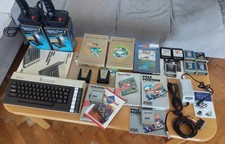
Atari 600XL Ultimate collection, 2xQuickshot1, psu Atari Keelog, 13x cart
$699.00
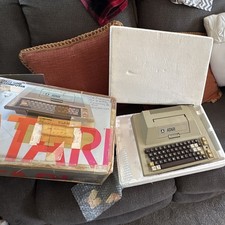
Atari 400 Vintage Home Computer System w/ Original Box MPN Atari 400
$175.00
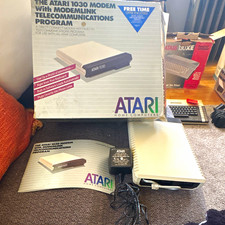
Atari 1030 External Dial-Up Modem 300 bps w/ ModemLink Box Manual Guide
$110.00
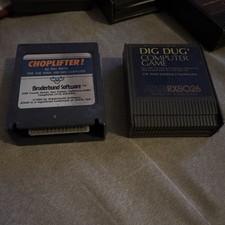
Atari 400/800 Game Cartridge Lot 2: Choplifter & Dig Dug RX8026
$16.00
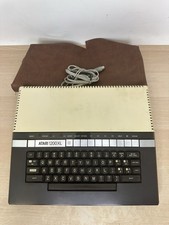
Vintage Atari 1200XL Home Computer System - NO Power Supply - UNTESTED
$224.98

Atari 400 Computer System console with Power Supply TESTED and Working
$160.00



 Reply With Quote