

 Reply With Quote
Thanks to ruymbeke. The solution is here:
http://www.knoppix.net/forum/viewtop...=113141#113141


Hello,
I install knoppix with VMWare Player. I have one problem when I try to install the application on the virtual hard drive, Knoppix didn' t find the good file system and good size for /dev/hda.
The hard drive virtual is correct size in the virtual BIOS setup (5 GB) but not when the knoppix start (0,698 MB).
May be an cheat code solve this problem ?
I have the VM player version 2.0.1 and knoppix 5.1.1 2007-04-01
I install debian with the same config file (VMWare) and I don´t have any problem.
Probably the detection of the virtual harware disk is different for knoppix and debian but I don´t arrive to solve this problem.
Thanks for your idea.
Thanks to ruymbeke. The solution is here:
http://www.knoppix.net/forum/viewtop...=113141#113141
 Posting Permissions


Lenovo ThinkPad T14 Gen 1 14" AMD Ryzen 5 16GB 256GB SSD
$219.99

Lenovo ThinkPad L15 Gen 3 15.6" 16GB, Thunder Black
$241.50

Lenovo ThinkPad T14 G2 14-Inch AMD Ryzen R5 5650U 16GB, 512GB SSD Win 11 Pro
$398.99

Lenovo ThinkPad L15 Gen 3 15.6" 16GB, Thunder Black
$241.50
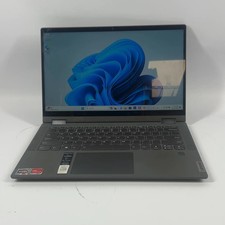
Lenovo IdeaPad Flex 5 14are05 14" Ryzen 7 4700U 2.0GHz 8GB RAM 256GB
$175.99
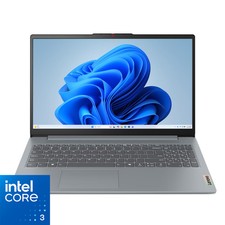
Lenovo - IdeaPad Slim 3i 15.6" Full HD Laptop - Intel Processor N355 2025- 8G...
$349.99
Lenovo ThinkPad T14 Gen 2 i5-1145G7 16GB 512GB SSD Touch Win 11 Pro Good
$261.99
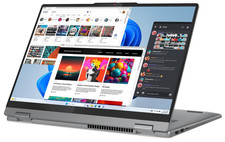
Lenovo IdeaPad 5 2-in-1 16" WUXGA Touch Ryzen 7 8845HS 16GB 512GB SSD FPReader
$571.00
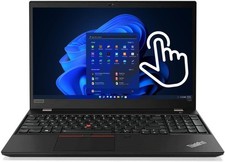
Lenovo Thinkpad T590 Gen1 8th Core i7 32GB 512GB Touchscreen RJ45 Win 11 Pro
$339.00

Lenovo ThinkPad T495 14” Laptop AMD Ryzen 5 PRO 16GB RAM 256GB SSD Windows 11
$229.99