-
Senior Member
registered user
To mount a partition automatically you use the "auto" option in the filesystem table.
You need to post the output of:
fdisk -l
cat /etc/fstab
then someone can answer your question completely.
Example
/dev/hda1 ntfs /mount/winxp auto,users,exec,umask=022 0 0
would mount the first hard drive ntfs partition at mount point /media/winxp with read permissions
for any user who is a member of the group users
Similar Threads
-
By venky_gec in forum Hdd Install / Debian / Apt
Replies: 1
Last Post: 11-04-2006, 09:34 PM
-
By soulman in forum Hdd Install / Debian / Apt
Replies: 6
Last Post: 10-04-2005, 03:48 AM
-
By Jan_L in forum German Forum
Replies: 2
Last Post: 04-03-2005, 03:16 PM
-
By Mr.Redhat in forum Hdd Install / Debian / Apt
Replies: 1
Last Post: 01-11-2004, 02:46 PM
-
By jppg in forum General Support
Replies: 0
Last Post: 03-27-2003, 11:26 AM
 Posting Permissions
- You may not post new threads
- You may not post replies
- You may not post attachments
- You may not edit your posts
-
Forum Rules

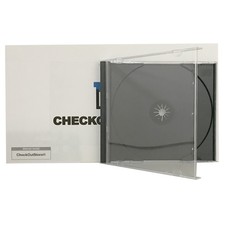
Original Vintage Old Style STANDARD Black CD Jewel Case (Heavy Duty) 90g Lot
$316.95
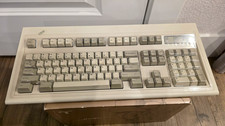
Vintage IBM Model M Keyboard
$80.00
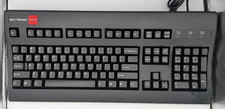
Vintage Key Tronic LT DESIGNER Mechanical/Rubber Dome Keyboard DIN-5 AT/XT
$50.00
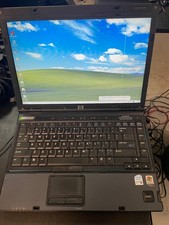
Vintage HP Compaq nc6400 Laptop – Windows XP Pro – Works – Charger Included
$67.00
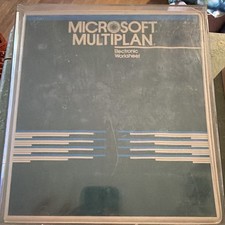
Vintage Microsoft Multiplan Electronic Worksheet Apple II Manual/Disks UNTESTED
$89.99

VINTAGE eCIRCUIT Mouse Corded Trackball USB PS2 PC Mac New
$18.00
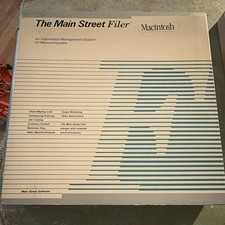
Vintage Main Street Software Filer Macintosh User Manual Binder w Floppy UNTESED
$54.99
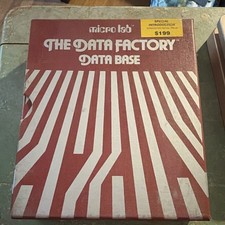
Micro Lab The Data Factory Data Base Vintage Floppy Disks SEALED Manual UNTESTED
$69.99
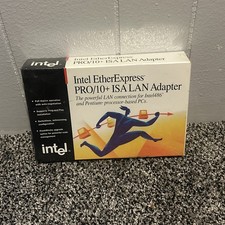
Vintage Intel EtherExpress PRO LAN Adapter With Flash BRAND NEW
$29.99
V2 Premier 9120 Vintage PC Pentium 4 2.4GHz w / 256MB RAM CD-RW Floppy NO HDD
$299.99



 Reply With Quote