
The BIOS refers to the motherboard. It might not be a bad idea to check if there is a firmware update for the SATA CD drive, but from the post made it looks like the BIOS is the most likely fix.Originally Posted by sama


The BIOS refers to the motherboard. It might not be a bad idea to check if there is a firmware update for the SATA CD drive, but from the post made it looks like the BIOS is the most likely fix.
---
Verifying of md5 checksum and burning a CD at slow speed are important.
 Posting Permissions

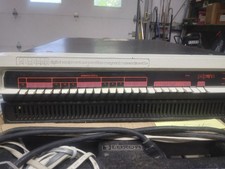
DEC PDP 11/05 or 11/10 system complete, H900 box, vintage, Digital Equip Corp
$3509.00

Vintage DEC VT100 Series Terminal (Powers On)
$499.99

Vintage DEC Digital Starion 200 Desktop PC Powers On Boots To BIOS NO HDD - DW
$269.99

DEC T2053-DE MS65A-DA 128MB VAX 6000 Memory Board Gold Scrap Vintage
$69.99
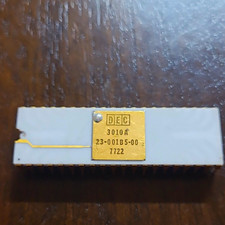
DEC 3010A Vintage Ceramic chip - ALL LEGS INTACT (BO)
$100.00
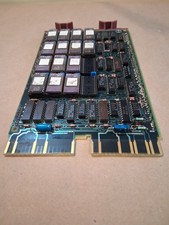
Vintage DEC Digital M8048 5013995C PDP-11 LSI 11 ROM (B3)
$149.99

Vintage DEC LK201 Digital Equipment Corporation (DEC) LK201-AA Computer Keyboard
$149.99

VINTAGE DEC LA34/ LA100 SERIES KEYBOARD W/NUMERIC PAD 70-17864-01C
$140.00
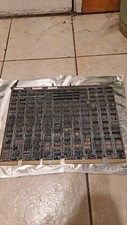
$100.00

Vintage DEC/Mostek memory systems MK 8015 AA-00 6805-08015 1100 REV C(B7)
$279.99

 Reply With Quote