

 Reply With Quote
"swapon -s" will list used swap space, "swapoff" will allow you to stop using it. See "man" for details
Also, "apropos swap" would have hinted you.


Hi,
I use Knoppix 5.1.1, and the subject actually sums it up: Once I booted, how can I find out whether SWAP is actually mounted, and with which commands can I mount/umount it?
Regards
kP
"swapon -s" will list used swap space, "swapoff" will allow you to stop using it. See "man" for details
Also, "apropos swap" would have hinted you.
 Posting Permissions

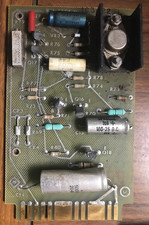
Vintage Honeywell Mil-Spec Circuit Board BIT ASSY 183422 Q13 L Aerospace Tech A
$79.00
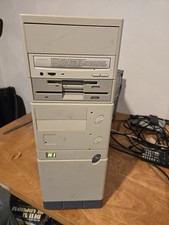
Vintage Retro Cyrix 6x86 133mhz 32mb RAM Floppy Combo
$299.00

Ast Advantage Adventure 4050D Vintage Retro Computer Great Condition
$199.99

Vintage HP 21MX 1000 M-Series Minicomputer Chassis Backplane Parts AS-IS
$228.19
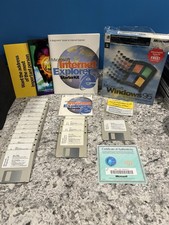
Vintage Microsoft Windows 95 Full Version COMPLETE 3.5" Floppy Box Set 18 Disks
$114.99
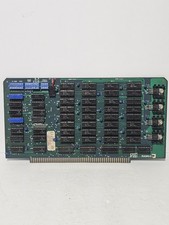
Vintage PSS Ram 65 Memory Board MM2114N-L 32 Socketed
$245.00

Original Vintage Old Style STANDARD Black CD Jewel Case (Heavy Duty) 90g Lot
$316.95
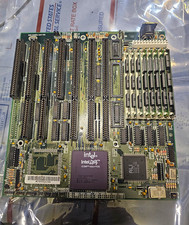
Vintage Intel DX4 100MHz 486 Motherboard SBC CPU Board ALi Chipset Retro PC
$119.99
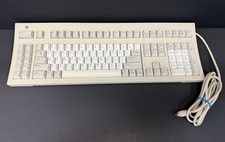
Vintage Sun Microsystems Type 5 Keyboard N860-8701-T010 Tested Working
$55.55
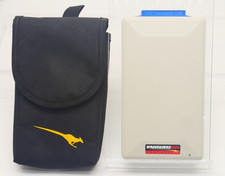
Vintage KanguruDisk Portable External Drive Module with Pouch - Rare Retro Drive
$114.88
