

 Reply With Quote
If you use KDE as your desktop go to control centre, peripherals, storage media.
In mounted removable media make sure open in new window is set as default action.
This should show files when you insert a removable disk.


(CLI and GUI)
The problem is i cant see my files inside the USB upon insertion. I can only see me files after I clicked the icon in the Desktop.
-i used "ls -l" to view my files, but nothing was there.(without clicking the icon), but when i clicked the icon, and typed "ls-l" again, it was there.
Is there a way to detect the files inside a USB flash drive without clicking the icon in the Desktop?
i added this line in fstab:
/dev/sda2 /media/sda2 vfat auto,users,exec 0 0
***this allows me to mount a USB without typing "mount" command every boot up.
If you use KDE as your desktop go to control centre, peripherals, storage media.
In mounted removable media make sure open in new window is set as default action.
This should show files when you insert a removable disk.
 Posting Permissions

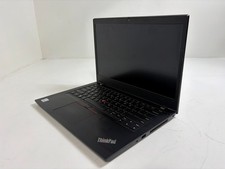
Lenovo ThinkPad L14 Gen 1 Core i5-10310U 1.7GHz 16GB 512GB 14" W11P Laptop
$197.10

Lenovo Thinkpad E15 Gen 2 8GB RAM 256GB SSD Intel Core [email protected] Laptop
$220.36
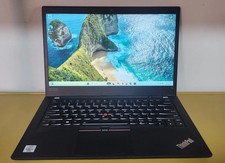
Lenovo ThinkPad T14 Gen 1 Core i5 1.70GHz, 16GB RAM , 256GB SSD
$259.99
Lenovo ThinkPad T14 Gen 2 i5-1145G7 16GB 512GB SSD Touch Win11 Pro
$289.99

LENOVO THINKPAD T14s GEN 2a Ryzen 7 PRO 5850U 1.9GHz 16GB 256GB TOUCH - NO OS
$299.95
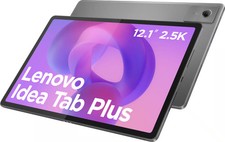
Lenovo - Idea Tab Plus - 12.1" 2.5K Tablet - 8GB RAM - 128GB UFS - Luna Grey
$209.99
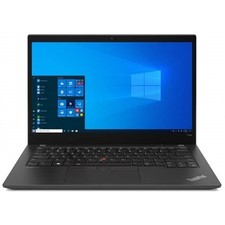
Lenovo ThinkPad T14s Gen 2 14" 32GB, Thunder Black
$318.83
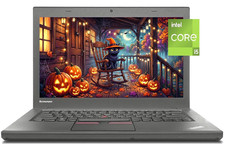
14" Lenovo T460 Laptop PC: Intel i5-6300U (16GB RAM - 256GB SSD) Windows 10
$129.69
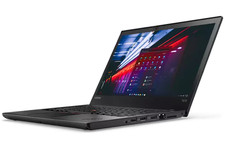
Grade A Lenovo Thinkpad T470 i5-6300U 2.4Ghz 8GB 256GB Win 11
$209.99
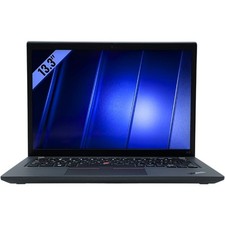
Lenovo ThinkPad X13 Gen 3 Laptop 14” FHD Core i5 12th 16GB RAM 512GB SSD Win 11
$336.26