

 Reply With Quote
Originally Posted by Diggs
If you press F2 or F3 while booting you will see a list of boot codes. More information given under cheat codes.
knoppix screeen=1024x768
or
xmodule=vesa
often work as well.


I am getting an 'out of range error after booting from knoppix. Immediately after booting,the screen goes black for a few moments,then I get the error.Anyone have an idea how to fix this?Thanks.
*UPDATE: After some digging,I found this command code to work for me," knoppix vga=0". Type it at the boot line exactly as is. I hope this helps some others as well.By the way,I am running a Viewsonic 20" flat-panel LCD display.GL all!
If you press F2 or F3 while booting you will see a list of boot codes. More information given under cheat codes.
knoppix screeen=1024x768
or
xmodule=vesa
often work as well.
 Posting Permissions


IBM POWER8 8286-42A S824 16-Core 128GB RAM 4.8TB SAS Fedora Linux Server PowerVM
$750.00

KTN-STL3 EMC VNX 15-slot Disk Array Expansion, full 15 x 2tb drives 100% health
$360.00
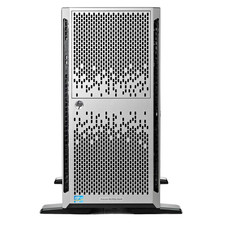
HP ML350p Gen8 - Highly scalable, dual-processor tower server
$240.00

Ubuntu Server 26.04.1 LTS Bootable USB Flash Drive – Latest September 2026
$12.99

SQL Server 2019 Standard Microsoft 24 Core Unlimited CAL Retail License FPP
$169.00

Start9 Server Pure 32GB 4TB Intel i7 Node StartOS — Box + PSU
$599.00

OPNsense pfSense 8-Core Atom C3758 2.2GHz 8GB DDR4 64GB SSD 8x NIC QAT AES VPN
$115.00

Microsoft SQL Server 2025 Standard 32 Core Unlimited CAL Retail License Package
$299.00
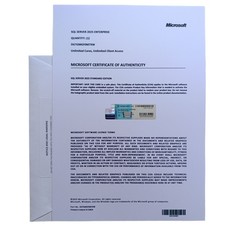
Microsoft SQL Server 2025 Enterprise - CoA | Unlimited Cores and Unlimited CALs
$435.00

Multi-Boot Linux & Utility 18 in 1 USB – Best of 2026 Free Same-Day Shipping
$22.99