

 Reply With Quote
At the boot prompt try:
knoppix screen=1400x900
remember the space between knoppix and screen, no space after screen.
The same boot prompt allows you to press F2 and F3 for other boot options
as well.


hi!
I am running knoppix 5.1.1 as a live cd from my acer aspire one laptop. i have an external monitor with a resolution of 1440x900. is there any way i can adjust the resolution to match my monitor?
At the boot prompt try:
knoppix screen=1400x900
remember the space between knoppix and screen, no space after screen.
The same boot prompt allows you to press F2 and F3 for other boot options
as well.
 Posting Permissions


Western Digital WD Blue 3D NAND 500GB 2.5in SATA III Internal SSD WDS500G2B0A
$44.99

SSD 880EVO SATA III 2.5 4TB INTERNAL STATE DRIVE
$214.99

M2 2280 PCIe 4.0 solid-state drive high-speed storage device 1080P RO 2TB NGFF
$99.00

Samsung 860 EVO 250GB SSD MZ-76E250 2.5" SATA III Solid State Drive
$39.99
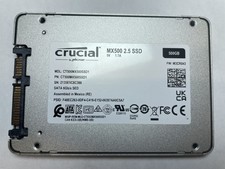
Crucial MX500 500GB 2.5" SATA III Internal SSD CT500MX500SSD1
$52.99

2 PACK 128 GB SSD M.2 2280 SATA Solid State Drive Major Brands, Samsung, LiteON
$28.80

Netac 2TB 1TB 512GB 256GB Internal SSD 2.5inch SATAIII Solid State Drive lot
$549.00

M.2 SATA SSD 2280 128GB 256GB 512GB major brands | Very Good health
$35.99
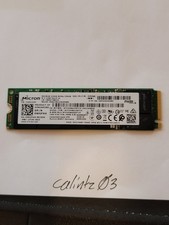
MICRON 2200S 256GB NVMe SSD (MTFDHBA256TCK-2AS1AABDA) - TESTED - 71%
$24.99

Samsung 860 EVO 250GB, SATA III, 2.5" Internal Solid State Drive - Black...
$30.00