

 Reply With Quote
At the boot prompt try:
knoppix screen=1400x900
remember the space between knoppix and screen, no space after screen.
The same boot prompt allows you to press F2 and F3 for other boot options
as well.


hi!
I am running knoppix 5.1.1 as a live cd from my acer aspire one laptop. i have an external monitor with a resolution of 1440x900. is there any way i can adjust the resolution to match my monitor?
At the boot prompt try:
knoppix screen=1400x900
remember the space between knoppix and screen, no space after screen.
The same boot prompt allows you to press F2 and F3 for other boot options
as well.
 Posting Permissions


128GB (4x32GB) SK hynix DDR4 PC4-2666V RDIMM ECC Server Ram HMA84GR7CJR4N-VK
$799.00

TF/SD Card Adapter Camera Reader Android Type-c For iPhone17 Pro Max Plusm lot
$573.98
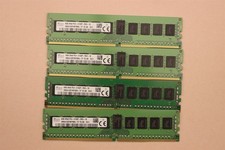
lOT OF 4 SKhynix 8GB (4 x 8GB =32GB) HMA41GR7MFR8N-TF 2R8 PC4-2133P DDR4 MEMORY
$89.00

Microsoft Office 2021 Pro Plus USB for 1PC Windows 10 & 11
$62.50

Kingston 32GB 64GB 128GB 256GB USB 3.0 Flash Drive Thumb Memory Stick Pen lot
$285.90

USB 3.0 Flash Drive 32GB 64GB 128GB Memory Stick Thumb Stick Lot Pack
$826.09

USB 3.0 Micro SD SDHC TF Card Reader Memory Adapter for PC Laptop Camera lot
$3.75
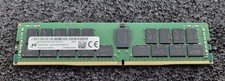
32GB Micron PC4 – 3200AA DDR4 ECC Registered Server RAM - MTA36ASF4G72PZ-3G2J3
$200.00

Windows 11 Pro Install/Recovery/Repair USB Flash Drive
$35.00
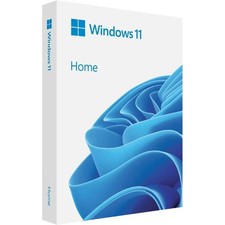
Microsoft Windows 11 Home 64-Bit USB Flash Drive + Key Retail Box - Original
$39.88