-
Senior Member
registered user
This has to be a permission problem.
With the drive in the computer,load linux CD, right click the drive icon. change status to mount read/write and insert your usb pen drive into knoppix and grant that read/write access.
Post the output of
mount
this should tell you what partitions are mounted and the mount options.
Only time, I've seen something like this was someone trying to recover onto a Freecom USB hard drive which was formatted
with NTFS. Knoppix would not allow write access. Solution was to make the USB drive FAT32, problem solved, but this may not
be your problem
Similar Threads
-
By Ixtab in forum Hardware & Booting
Replies: 1
Last Post: 02-25-2010, 09:42 PM
-
By Metallo in forum General Support
Replies: 18
Last Post: 05-04-2007, 02:10 PM
-
By zebraengine in forum General Support
Replies: 6
Last Post: 10-06-2005, 05:54 AM
-
By McMahon in forum General Support
Replies: 4
Last Post: 11-26-2004, 11:43 AM
-
By giacomix in forum MS Windows & New to Linux
Replies: 5
Last Post: 10-06-2004, 04:20 PM
 Posting Permissions
- You may not post new threads
- You may not post replies
- You may not post attachments
- You may not edit your posts
-
Forum Rules

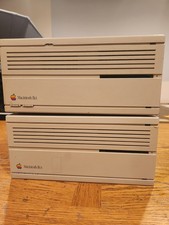
2X Vintage Apple Macintosh Desktop Computers - IIcx/IIci - Parts Repair Untested
$129.00
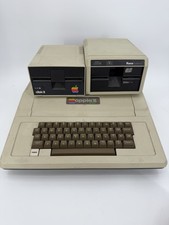
Apple II Plus Model A2S1016 Vintage Computer w/ Disk II Rana System Untested
$399.99

Vintage Apple USB Mouse M4848 Bondi Blue iMac G3 Hockey Puck - Tested Working
$22.99
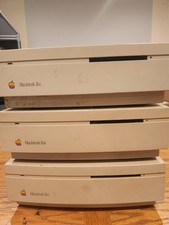
3X Vintage Apple Macintosh IIsi Desktop Computers - Parts Repair Untested
$162.50
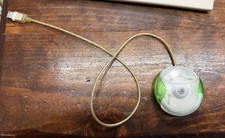
Vintage Apple USB Mouse M4848 Lime Green iMac G3 Hockey Puck - Tested Working
$59.99

Lot of 3 VIntage Apple Computer Rainbow Logo Sticker Decal Macintosh 1980s NOS
$7.00
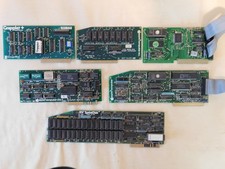
Apple Computer cards Super Serial SCSI AST -Orange Micro ++ Vintage 1980's
$169.00
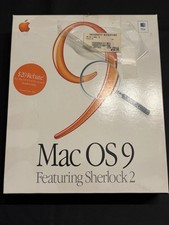
Vintage Apple Mac OS 9 Retail Box 1999 Sherlock 2 Original CD Manuals
$50.00

Vintage Apple Color RGB Color Monitor A2M6014. Used.
$199.99

Vintage Apple Monitor IIc 9" Green Monochrome 06/1985 A2M4090 October 1984 Stand
$275.00



 Reply With Quote