-
Senior Member
registered user
Or if you willing to use command lines to perform the copying, you can use the cp command together with the wild card characters ("*").
For example, on the directory /photo you have 50 files on it, 30 of them are files containing accent characters on the file name but with the extension .jpg. And you want to copy these 30 files to your external drive mount at /media/sda1
So all you have to do is to issue the command
Code:
$ cp /photo/*.jpg /media/sda1
Or just copy the whole directory content to the external drive
Code:
$ cp /photo/* /media/sda1
Then handle all the copied files on another windows box with the external drive plug in.
Rgds,
Chip
Similar Threads
-
By GDASHAFE101 in forum General Support
Replies: 1
Last Post: 10-26-2005, 02:48 AM
-
By Zerro in forum MS Windows & New to Linux
Replies: 1
Last Post: 07-24-2004, 08:04 PM
-
By mbw in forum Hdd Install / Debian / Apt
Replies: 3
Last Post: 06-08-2004, 02:37 AM
-
By npyang in forum General Support
Replies: 8
Last Post: 12-18-2003, 09:19 PM
-
By Omak in forum Customising & Remastering
Replies: 2
Last Post: 05-11-2003, 12:15 PM
 Posting Permissions
- You may not post new threads
- You may not post replies
- You may not post attachments
- You may not edit your posts
-
Forum Rules

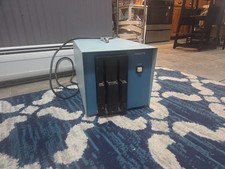
Vintage Industrial micro systems dual 8" Floppy disc drive for Altair system
$450.00
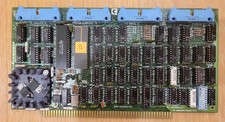
Cromemco TU-ART S-100 Serial and Parrallel Board - IMSAI Altair
$69.95

Cromemco PRI S-100 Printer Interface - Altair IMSAI
$45.00
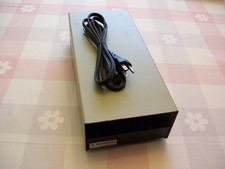
External Half Height Case For a 5 1/4 Inch Floppy Disk (Altair, IMSAI)
$49.95

S-100 backplane motherboard bare PCB 9 slot (for Altair/IMSAI)
$34.99
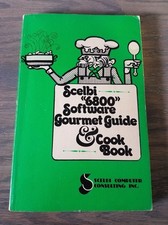
1976 Scelbi 6800 Software Cookbook Altair 680 SWTPC Assembly Language Motorola
$39.99
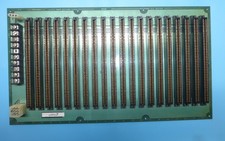
Morrow MIS S-100 20 Slot Backplane PDC Motherboard 1977 Altair IMSAI Board
$295.00
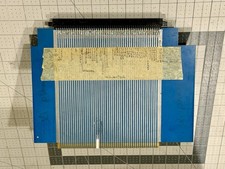
S100 Extender Board IMSAI ALTAIR
$49.99

CP/M 86 1.1R 8086 Highmonitor 8 Inch Floppy Diskette 80s IMSAI Altair
$40.00
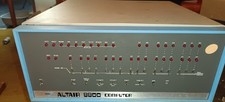
MITS Altair 8800 System Full Provenance and Documentation
$15000.00



 Reply With Quote