

 Reply With Quote
Right click on the clock, choose "Digital Clock" Setting, change %R to %r, close.


I've got 6.2 and the clock display shows military 24 hour time. I want it to show 12 hour time but I've been unable to find how to make it happen. Any ideas?
Right click on the clock, choose "Digital Clock" Setting, change %R to %r, close.
Incredible. Thank you so much. Now please enlighten me, how did you know this?
GIYF (Google Is Your Friend) I entered "lxde clock format" in a google bar and voila
 Posting Permissions


Kingston 32GB 64GB 128GB 256GB USB 3.0 Flash Drive Thumb Memory Stick Pen lot
$285.90

Microsoft Windows 11 Pro 64bit - New Sealed – Flash USB 1 PC
$49.99

128GB USB 14-in-1 MacOS bootable Installer repair recovery tech support service
$39.99
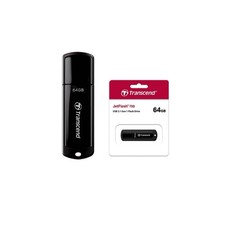
10 Count 64GB Transcend JetFlash 700 USB3.1 (Gen 1) Flash Drive Black
$79.87

USB 3.0 Flash Drive 32GB 64GB 128GB Memory Stick Thumb Stick Lot Pack
$826.09

1/ 10/ 100pcs USB 2.0 2GB, 4GB ,8GB ,16GB ,32GB ,64GB 128GB USB Flash Drives Lot
$269.10

USB Type-A Flash Drive Metal Memory Stick High Speed USB Drive 128GB 256GB 512GB
$8.47

Lot 5/10pcs USB Flash Drive Memory Stick 1MB-64GB Pendrive Thumb Drive 8GB 32GB
$282.00
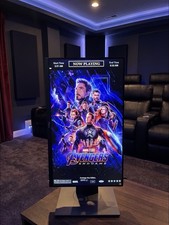
Digital Movie Poster (USB-flash drive)
$100.00

Windows 11 Pro Install/Recovery/Repair USB Flash Drive
$35.00