-
Senior Member
registered user
PulseAudio
I have two sound cards, too. One is integrated in the mainboard and the other one is a USB device with an amplifier for my record player. With PulseAudio I am able to switch over to a different sound device for output.
I did the following in order to install PulseAudio.
Code:
sudo apt-get update
sudo apt-get -t testing install pulseaudio paman pavucontrol paprefs
Afterwards I created a file /etc/asound.conf with the following configuration as described on the page http://pulseaudio.org/wiki/PerfectSetup:
Code:
pcm.pulse {
    type pulse
}
ctl.pulse {
    type pulse
}
pcm.!default {
    type pulse
}
ctl.!default {
    type pulse
}
I rebooted the system. In the menu "Sound & Video" I found the "PulseAudio Volume Control" which I use to select the output device.
 Posting Permissions
- You may not post new threads
- You may not post replies
- You may not post attachments
- You may not edit your posts
-
Forum Rules

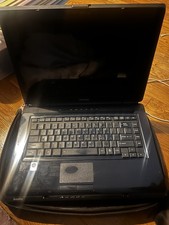
Vintage Toshiba Satellite A Series
$250.00

Vintage Computer Keyboard Northgate OMNIKEY Ultra
$120.00

Lot of 2 Vintage Plextor PX-43CS SCSI CD-ROM Caddy Drives + 4 Caddies Used
$55.99
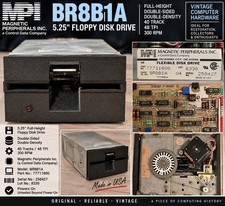
Vintage Magnetic Peripherals MPI BR8B1A 5.25" Floppy Disk Drive 77711800 CDC
$89.66
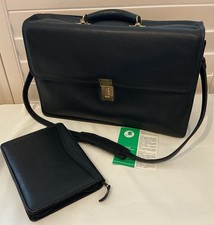
Vintage Jack Georges Leather Briefcase/Laptop Bag Made In USA
$275.00
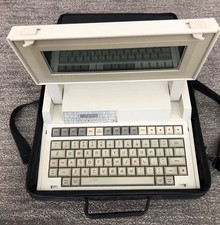
VINTAGE HEWLETT PACKARD HP 110 LAPTOP WITH CARRYING CASE
$350.00

Original Vintage Old Style STANDARD Black CD Jewel Case (Heavy Duty) 90g Lot
$316.95
RAM-Tester for vintage RAM, 4816, 4164, 41256, 514402, and more - USA Seller
$35.00

Vintage Hewlett Packard HP 13181-60074 Circuit Card Assembly / Interface Board.
$135.37
Dell Inspiron 8100 PP01X Windows XP Era Laptop for parts no HDD vintage READ
$89.95



 Reply With Quote