-

Originally Posted by
Capricorny

It seems that you have got the German version of Adriane downloaded, not the English Knoppix we have as "default" here. Still, for your purpose, you can do what you need with that, I think. At boot, you get a Knoppix prompt for some seconds - there you can type
Knoppix, to get the graphical version (Adriane is for visually impaired people) But you have to be quisk at starting typing. I don't think you have seen the ordinary graphics desktop at all - that resembles Windows a bit, with a main menu icon to the left on the bottom status line, and then PCman and Terminal icons, which we have talked about, following.
Edit: Didn't see that krishna.m had already answered!

I missed the part about German; you'll need to use the following at boot to switch to English: I'm not sure if that takes care of the keyboard difference as well - you may need at the end of the knoppix line - see the documentation.
Cheers!
Krishna 
 Posting Permissions
- You may not post new threads
- You may not post replies
- You may not post attachments
- You may not edit your posts
-
Forum Rules

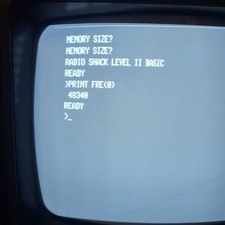
Vintage Radio Shack TRS-80 Expansion Interface Fully Upgraded Max 32k Ram
$400.00

Vintage Computer Keyboard Northgate OMNIKEY Ultra
$120.00
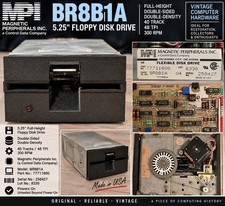
Vintage Magnetic Peripherals MPI BR8B1A 5.25" Floppy Disk Drive 77711800 CDC
$89.66

Lot of 2 Vintage Plextor PX-43CS SCSI CD-ROM Caddy Drives + 4 Caddies Used
$55.99
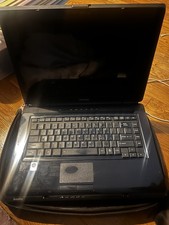
Vintage Toshiba Satellite A Series
$250.00
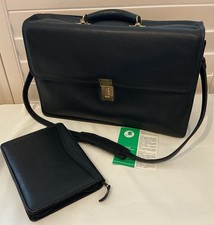
Vintage Jack Georges Leather Briefcase/Laptop Bag Made In USA
$275.00
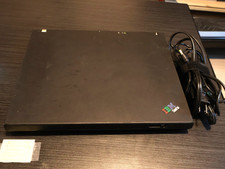
VINTAGE IBM THINKPAD T43p Pentium M 2.13GHz 2GB RAM OEM WIN XP W/CHARGER
$299.00
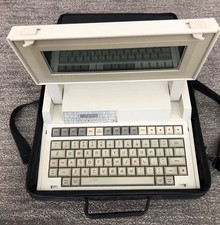
VINTAGE HEWLETT PACKARD HP 110 LAPTOP WITH CARRYING CASE
$350.00
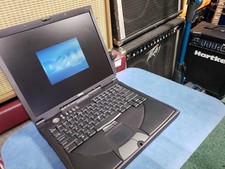
Dell Inspiron 8100 PP01X Windows XP Era Laptop for parts no HDD vintage READ
$89.95

Vintage Hewlett Packard HP 13181-60074 Circuit Card Assembly / Interface Board.
$135.37



 Reply With Quote