-
Physical damage on NTFS drive, need to mark that area.
Hi everybody,
I'm trying to fix the harddrive of a friend: his notebook fell to the ground. Since then 3 big files (around 2GB) are not accessible anymore all other data is perfectly readable!!!
So I did an almost full backup (except for theses 3 files) and now - since the drive is probably not safe anymore - I am trying to clone the whole thing using Acronis.
Problem: since these 3 files are still there, Acronis stops and doesn't finish the job.
So my question: is there a way to mark these files as deleted, although parts of them are not accessible? Just deleting them in the normal GUI way provided by Knoppix did not work. Maybe there's another way?
Thanx very much for your help,
Eddie
 Posting Permissions
- You may not post new threads
- You may not post replies
- You may not post attachments
- You may not edit your posts
-
Forum Rules


Samsung SCXSTP000, SCX-STP000 (Swingline Staple Cartridge - 3 Refills)
$57.99
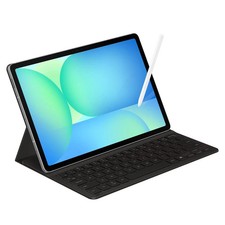
Samsung Galaxy S10 10.9" FE 128GB WiFi Tablet SM-X520NZACXAR S-Pen Keyboard 2025
$299.99
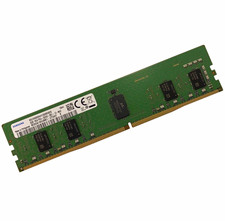
Samsung 8GB DDR4-2666MHz PC4-2666V Registered ECC Server RAM M393A1K43BB1-CTD6Y
$30.00
Samsung SSD980 1TB NVMe M.2 SSD
$125.00
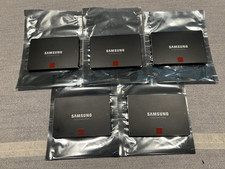
Samsung 850 Pro Series 2TB 2.5inch SATA3 6Gbp Internal SSD MZ-7KE2T0 5 Available
$189.00

Kids Case for Samsung Galaxy Tab A9+/A9 plus 11 Inch 2023 Case, with Strap, Shoc
$27.99

Samsung JC95-01514A Cover-Side Roller T2 Compatible
$39.00

Samsung JC93-01078A Transfer Roller T2
$89.00

Samsung Galaxy View Tablet 18.4 SM-T670/677A Digitizer 100% Original Oem
$152.99
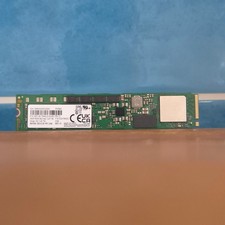
Samsung MZ1LB1T9HALS PM983 1.92TB M.2 22110 PCIe 3.0 NVMe SSD (430 EUR 0% VAT)
$601.98



 Reply With Quote