-
@ krishna
I have a question for you. Folks with just the CD can't save any settings, not even the password. So each time they (re)boot, they've got to set the password or change the preference all over again. Small wonder they may be tempted to suspend or hibernate rather than reboot.
The snag is that when you resume or wake you get asked for a password you've never set and it won't take no answer for an answer. I was lucky, ctrl-alt-f2 worked for me and I set a password and then told the screen lock where to go.
The screen saver doesn't have a lock. It comes on, goes off just fine. I've opened Preferences > Screensaver and Lock Screen After box is unchecked. I can't find a check box for 'require password on resume', not for LXDE. On the advanced tab I find Power Management Enabled is unchecked. I've open Preferences > Power Management but can find no pertinent check box.
Where is the Preferences folks must set to stop LXDE asking for a password that's not been set when the PC / laptop resumes from suspension or wakes from hibernation ?
@ yannos and others
will ask for the old password. If you've never set a password, just hit return.
If you want to set a new password and can't remember the old one, just to
Code:
sudo passwd knoppix

 Posting Permissions
- You may not post new threads
- You may not post replies
- You may not post attachments
- You may not edit your posts
-
Forum Rules


Cisco/Linksys SPA2102 VoIP Phone Adapter Router 2FXS (Unlocked)
$17.99
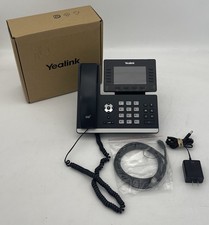
Yealink SIP-T54W Prime Business IP Phone Gigabit WiFi Bluetooth VoIP
$59.95

Yealink SIP-T54W Prime Business IP Phone Gigabit WiFi Bluetooth VoIP
$59.95
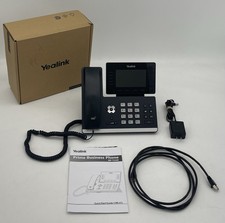
Yealink SIP-T54W Prime Business IP Phone Gigabit WiFi Bluetooth VoIP
$59.95

Yealink SIP-T58W-PRO Gigabit VoIP IP Phone 7" Touchscreen Wi-Fi Bluetooth PoE
$324.99

Grandstream WP810 Portable Cordless Wi-Fi IP Phone
$54.99

Lot Of (11) Polycom VVX501 VoIP Touchscreen Desktop Phone W/Handsets & Stands
$90.00

Cisco / Linksys SPA2102 VoIP 2FXS Phone Adapter with Router (unlocked)
$18.99
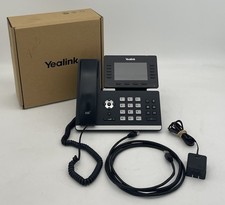
Yealink SIP-T54W Prime Business IP Phone Gigabit WiFi Bluetooth VoIP
$59.95

Yealink MP54 - VoIP Phone - Black Teams phone Android POE WIFI Bluetooth
$49.95



 Reply With Quote