

 Reply With Quote
Try opening a root terminal , from Accessories and typing: testdisk


On wednesday my computer got infected by a virus and now I can not access my hard disk, I get the blue screen of death. When I reboot I get a message from windows saying that some files were corrupted or missing. I installed knoppix 6. and can see my 2 hard drive but i can not mount any to open or see their content to run an antivirus. I get
<freedestop... hal. device. unknow failure>.
I click ok, and get "cannot mount the drive!"
and click ok, and get "drive doesn't exist".
And I don't know how to for a mount.
I really need to solve this problem. My boss is going to a conference tomorrow in Europe and needs to access her files. Any help will really be appreciated.
John
Try opening a root terminal , from Accessories and typing: testdisk
 Posting Permissions

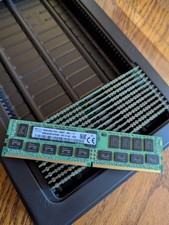
192GB (12 x 16GB) PC4-2400T 2400MHz DDR4 ECC REG Memory
$1850.00

SMART(Micron)SafeStor 32GB(1X32GB) 1RX4 NN4-3200AA(DDR4) HPE Server Memory
$159.98

TF/SD Card Adapter Camera Reader Android Type-c For iPhone17 Pro Max Plusm lot
$573.98

Microsoft Windows 11 Pro 64-Bit USB Flash Drive (HAV-00162)
$36.99

Kingston 32GB 64GB 128GB 256GB USB 3.0 Flash Drive Thumb Memory Stick Pen lot
$285.90

USB 3.0 Flash Drive 32GB 64GB 128GB Memory Stick Thumb Stick Lot Pack
$826.09

Server Memory: Samsung 32GB 4DRx4 PC4-2133P ECC LRDIMM DDR4 M386A4G40DM0-CPB
$124.95
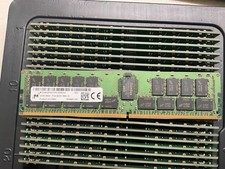
MTA36ASF4G72PZ-2G9E2 MICRON 32GB (1X32GB) 2RX4 PC4-2933Y MEMORY
$229.00

SK Hynix 32GB 2RX4 PC4-2666V DDR4 RDIMM Server Memory RAM, HMA84GR7AFR4N-VK
$169.95

Micro SD Adapter To SD HC SDHC Memory Card Adapter Reader NEW
$1.39